
 Getty Images / Neurone89
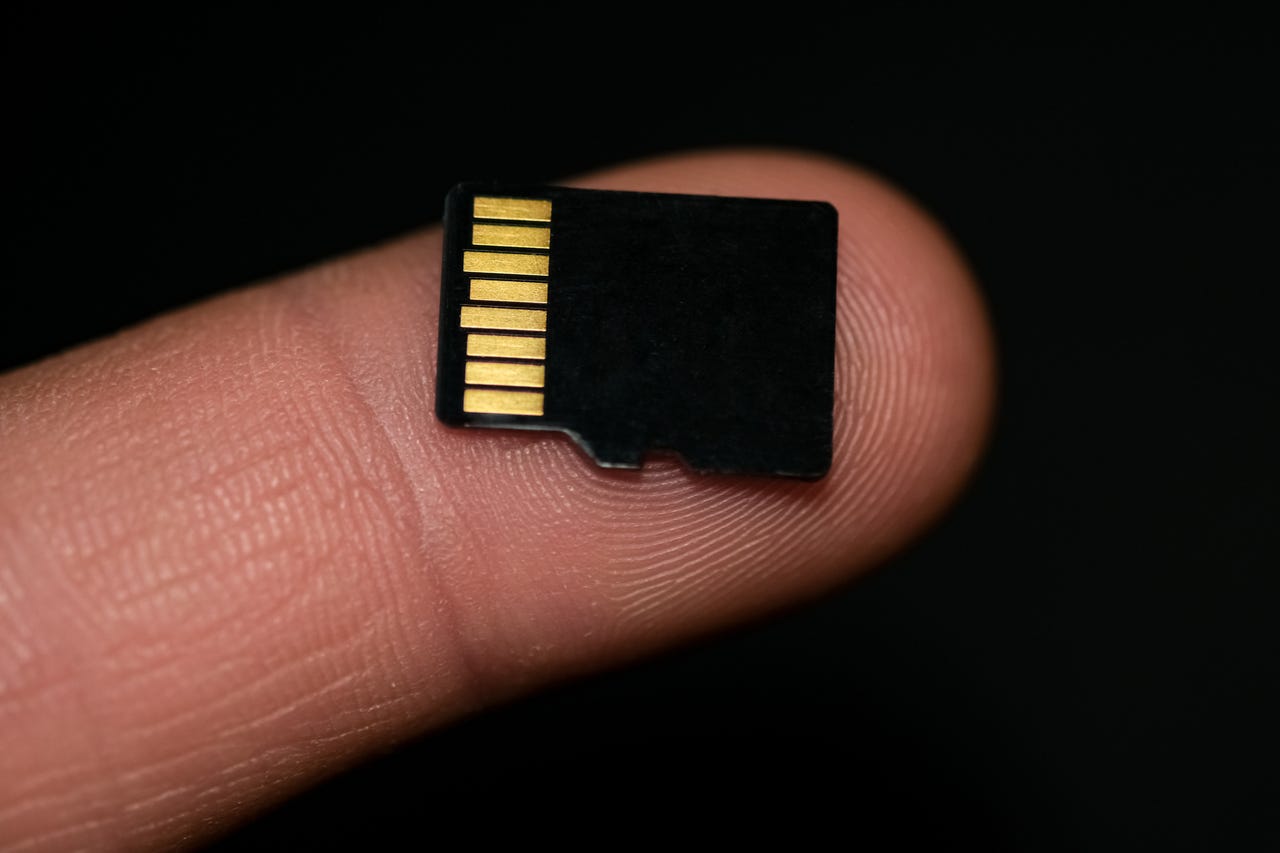
There are two commonly used storage media that people with Android phonesn digital cameras or drones might be aware of -- these are the SD card and microSD card.
Also: You might be using the wrong microSD cards
At first blush it might seem that all SD cards and microSD cards are the same, but a closer will show that they are not.
If you look at the front of any SD or microSD card, you'll see a whole bunch of symbols and specs, and being able to decipher these will tell you a lot about the card's performance.
Also: The best microSD cards
Here are two different microSD cards:
Two different microSD cards
Adrian Kingsley-Hughes/OK, so there's a lot of numbers and specifications on there so let me annotate one card to show you what it all means:
Annotated microSD card
Adrian Kingsley-Hughes/As you can see, there's a lot going on there. Fortunately, memory vendor Kingston comes to our rescue with a breakdown of what most of this means.
Speed classes for SD and microSD cards
KingstonAs you can see, there are a lot of speed ratings, and these refer to the minimum speeds that you should expect from the card when in a device, whether that be a smartphone, camera, or video camera.
Also: I tested the latest M.2 SSDs, and these are my must-have storage drives
What's missing from this list is the Application performance class rating. There are two -- A1 and A2 -- and these give a rating for the minimum IOPS (input-output) access per second for the card. These come into play when using a microSD cards in smartphones or tablets to store data, especially applications.
- A1: 1500 IOPS minimum random reads, 500 IOPS minimum random writes, 10 MBytes/s minimum sustained sequential writes
- A2: 4000 IOPS minimum random reads, 2000 IOPS minimum random writes, 10 MBytes/s minimum sustained sequential writes
There's also a difference in the pin contact layout on the backs of the cards between XC I and XC II cards (XC II have more contacts):
XC I (top) and XC II (bottom) microSD cards
Adrian Kingsley-Hughes/Similar ratings also appear on SD cards.
A selection of SD cards
Adrian Kingsley-Hughes/And again, the contact layout differ between XC I and XC II cards, with XC II having more contacts.
XC II cards (left and center) and XC I (right)
Adrian Kingsley-Hughes/OK, so after all this, the question is what cards should you buy?
First off, always buy a name-brand card from a reputable seller. Not only are there a lot of cheapo no-name cards out there, but there are also a lot of counterfeit knockoffs.
If you need a microSD card for a smartphone, then at the minimum it needs to conform to the A2 rating. However, I would buy a card that conforms to both XC I and the U3 UHS speed class.
SanDisk 64GB Extreme microSDXC UHS-I
$24.9 at WalmartFor drones and action cameras, an XC I microSD card that conforms to the U3 UHS speed class should offer adequate performance. Some devices may support high-specced cards, but make sure that you're getting a speed improvement if you are going to spend the extra money.
If you're using the microSD card is a device that's going to be writing a lot of data to the card for extended periods of time -- for example, security cameras or dashcams -- you might want to consider high-endurance cards. These are designed and build with long-term usage in mind.
SanDisk 256GB MAX Endurance microSDXC Card
$44.99 at AmazonWhat about SD cards for cameras? This is where things get complicated. If you are using your camera to take photos or shooting HD video, then an XC I card with a speed rating of U3 and V30 will be fine for you.
Lexar Professional 1066x 64GB SDXC UHS-I
$22.62 at WalmartHowever, a lot of modern cameras now support the higher-speeds offered by XC II cards, and so spending the extra money might be worthwhile, especially if you are planning on shooting 4K video.
Lexar Professional 2000x 128GB SDXC UHS-II
$149.99 at WalmartAgain, check with the manufacturer to see if higher speeds are supported, otherwise all you are doing is throwing money away.
Recommends
-
The best smartwatches you can buy: Apple, Samsung, Google, and more compared
-
The 5 best VPN services (and tips to choose the right one for you)
-
The best Android phones you can buy (including a surprise pick)
-
The best robot vacuum and mop combos (and if they're worth the money)