
 Viorel Kurnosov/Getty Images
I've always been obsessed with the 1986 classic movie Ferris Bueller's Day Off. If you haven't seen it, I highly recommend. For years, I've tried to pinpoint if it's the iconic parade scene, Ferris' one-liners, or the '80s flair that still makes it so intriguing.
More how-tos
- How to use iPhone's Security Keys feature to protect your Apple ID
- How to tighten your security in Microsoft Edge
- How to screen record in Windows 10 or Windows 11
- How to configure Safari tabs to automatically close in MacOS Sonoma
But I finally figured it out: It's the lack of smartphones. Ferris and his fellow ditch-day accomplices spend their whole day in the moment as opposed to scrolling through it.
Ferris even says, "Life moves pretty fast, and if you don't stop and look around once in a while, you could miss it."
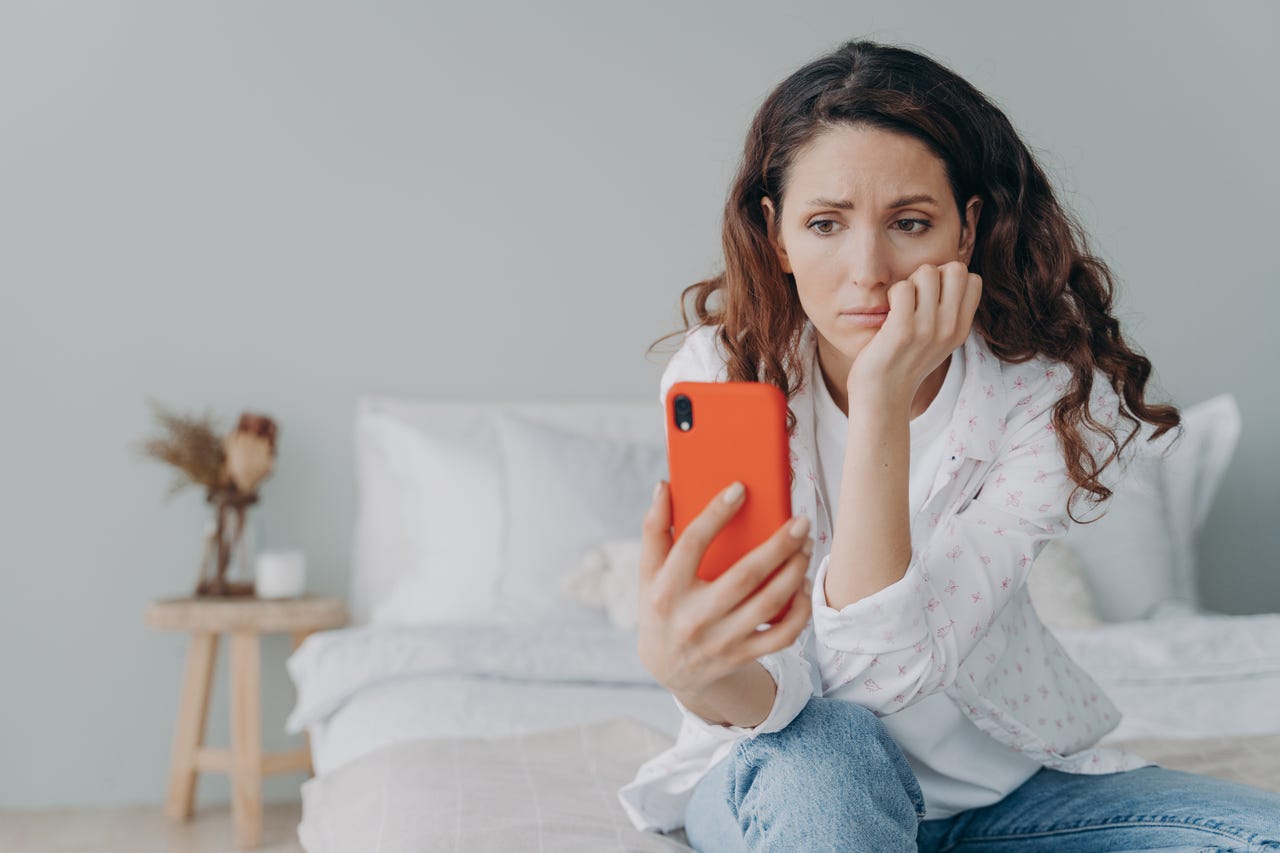
These days, we're all missing it... and stressing about it... and our phones are the culprit.
And I think we could all use a day off from doomscrolling and so we can take time to look around.
Also: How to throw an unforgettable Super Bowl party
Taking the day -- or every day -- off of doomscrolling doesn't require some elaborate scheme or deleting the app altogether. Rather, it's the implementation of a few small practices I've started to incorporate that make for big results.
5 ways to ditch doomscrolling and beat screen fatigue
1. Turn on App Limits
As a Gen Zer, scrolling through my friend's social lives isn't just a habit, but a social custom. But there's a sweet spot, and custom algorithms make it harder and harder to find. Someday, I hope I can instantly know when enough is enough on social media, and then have the willpower to close out of the app for the day.
Also: How to set app limits on your Android
For now, I rely on App Limits. Both iPhone and Android have default App Limit settings that are easy to enable. Facebook, Instagram, and TikTok also all have built-in screen time limitation options. The key, however, is not to ignore the timers that you set. Just like how setting a timer is a realistic goal for limiting social media scroll-time, set a reasonable limit and see it as a hard stop rather than a suggestion.
2. Turn off Always-On Display and enable Focus mode
Simply seeing a phone screen light up often triggers a Pavlovian response. We're conditioned to automatically check the notification or simply just interact with the phone, often leading to a scroll session.
Always-On Display only makes matters worse. And while Apple fixed its Always-On Display setting for the iPhone 14 -- coincidentally a month after 's June Wan suggested a solution -- a screen that's always on is just begging for you to interact.
Turning it off might be the best thing for your concentration as well as your smartphone battery.
Also: How to control the iPhone 14 Pro's Always-On Display on iOS 16.2
If your phone doesn't have an Always-On Display feature but still distracts you, I find it helpful to put my phone in Focus or Do Not Disturb mode, especially when I'm working and can't afford to scroll.
3. Download a productivity or digital wellness app
Maybe, rather than thinking you're adopting an "anti-scroll" policy, see it as an opportunity to add something to your life. Downloading a productivity app that has tools to silence notifications while fostering productivity could be a positive way to interact with your phone.
Also: 10 productivity apps that could transform the way you work
After all, doomscrolling often only adds anxiety and sucks away time. Digital wellbeing apps like ActionDash and Attentive also integrate scrolling regulations while inviting you to practice mindfulness and stay present.
4. Have something else on (or in) hand
I always get called out for being on my phone while watching a movie or TV show -- and rightfully so. There's no reason for me (or anyone) to be looking at two screens for entertainment at once, but I find it comforting to just have something in my hands. My phone has become somewhat of an appendage.
If you find yourself also just wanting the comfort of something in your hands as you sit, opt for a fidget spinner or stress ball .
5. Set alarms during peak doomscrolling hours
My peak doomscrolling hours are at night when I tell myself it's just for 5 minutes before I fall asleep. Identify when you're most susceptible to scrolling -- looking at your phone's screen time report can help -- and set a recurring alarm on your phone reminding you to stop.
Also: How to set better screen-time boundaries on your iPhone
This might be a viable alternative if you find setting app limits daunting. Consider the alarm your wakeup from a social media slumber and put it away. Who knows -- after a while, you may even be conditioned to "beat" the alarm and put your phone away unprompted.
More how-tos
-
How to use iPhone's Security Keys feature to protect your Apple ID
-
How to tighten your security in Microsoft Edge
-
How to screen record in Windows 10 or Windows 11
-
How to configure Safari tabs to automatically close in MacOS Sonoma