
What to Know
- ChatGPT saves your conversations automatically. Click New chat, enter a prompt, and it'll appear in list on left.
- Open saved conversation: Click its name. Or click the pencil to rename conversation, or use trash to delete.
- Server congestion and other issues can prevent ChatGPT from saving your conversations.
This article explains how to save a ChatGPT conversation, including how to rename, delete, and copy conversation threads.
How to Save a ChatGPT Thread
ChatGPT works using conversation threads, which encompass the original prompt used to start the conversation, the initial response from the artificial intelligence (AI), any subsequent prompts sent to fine-tune the response, and the AI's subsequent responses as well. These threads allow you to compartmentalize different tasks that you have used ChatGPT for, access them later, and even pick up an old conversation to fine tune it further.
Here's how to save a conversation in ChatGPT:
-
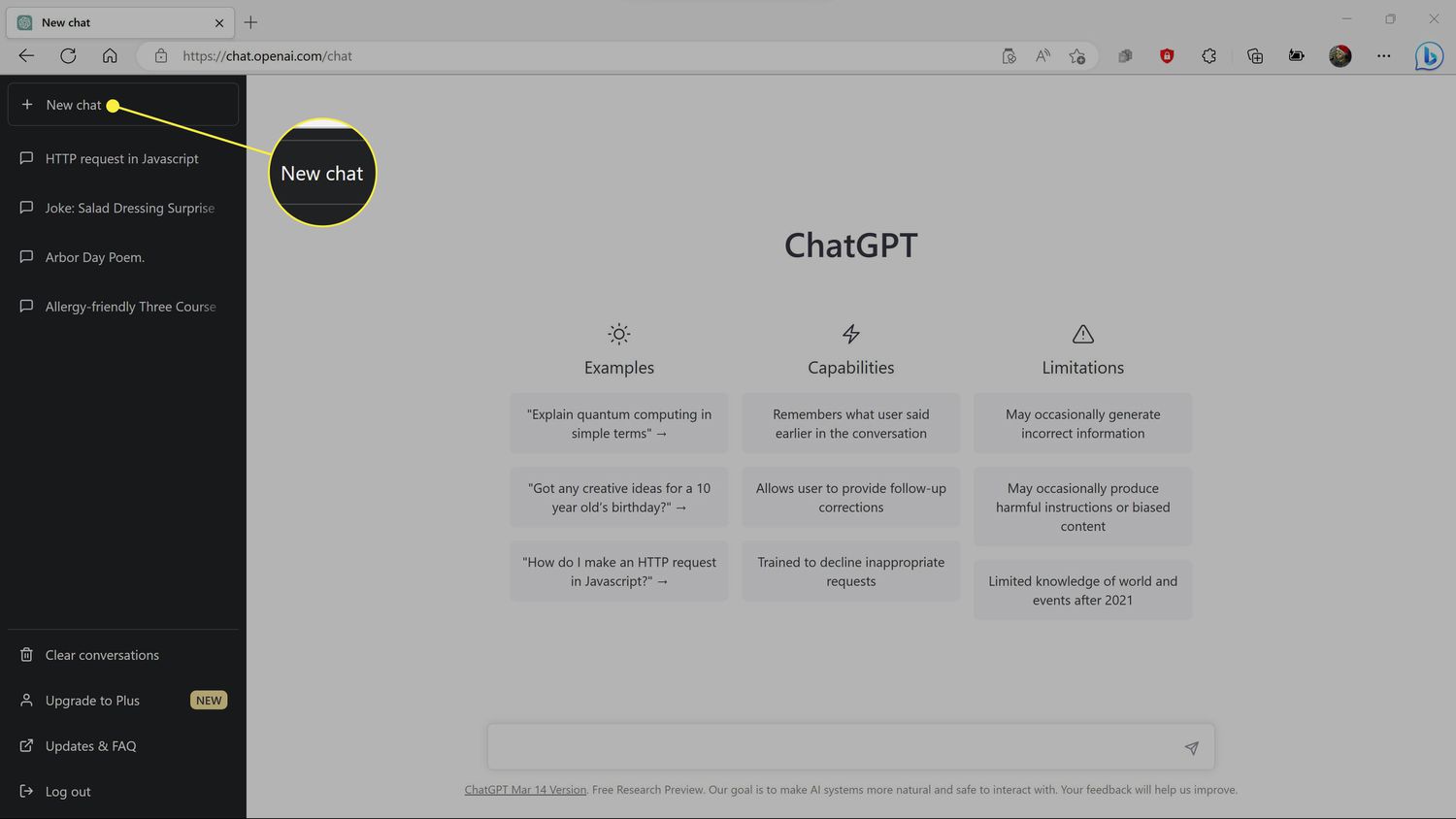
Once you are logged into ChatGPT, click + New chat.
-
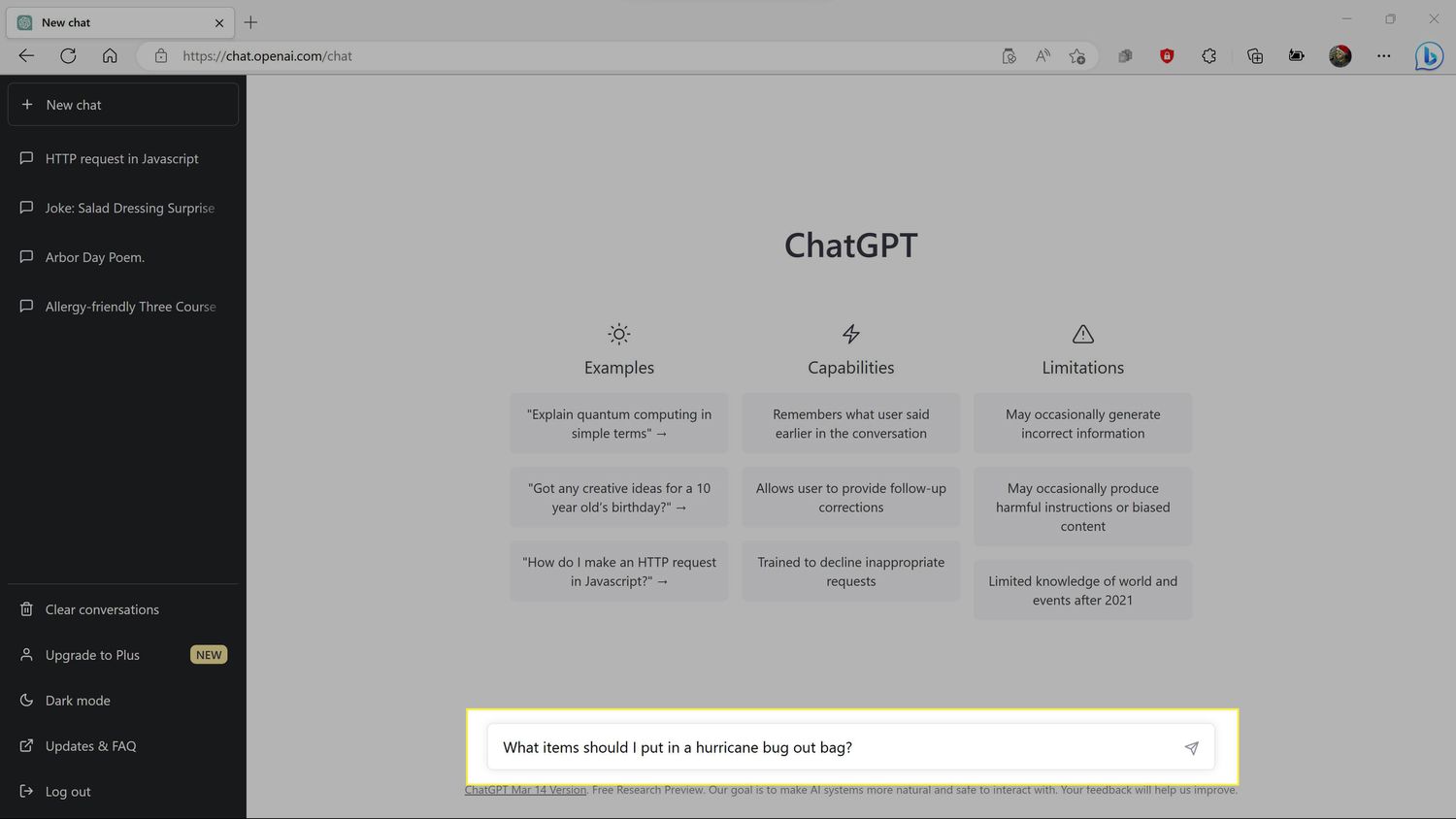
Type a prompt into the input field, and click the send button (looks like a paper airplane).
-
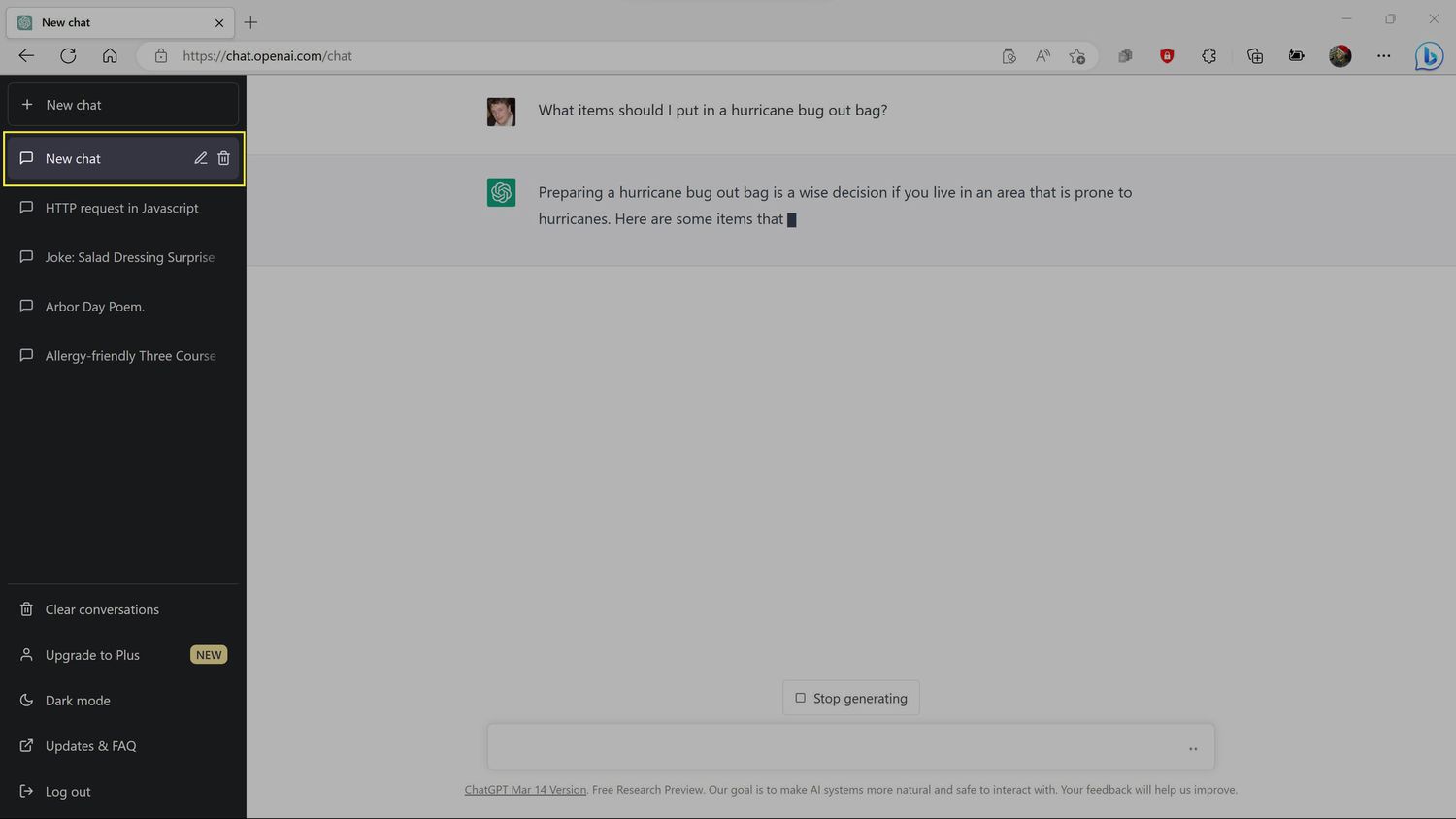
Your new chat thread will initially appear in the left column as New chat.
-
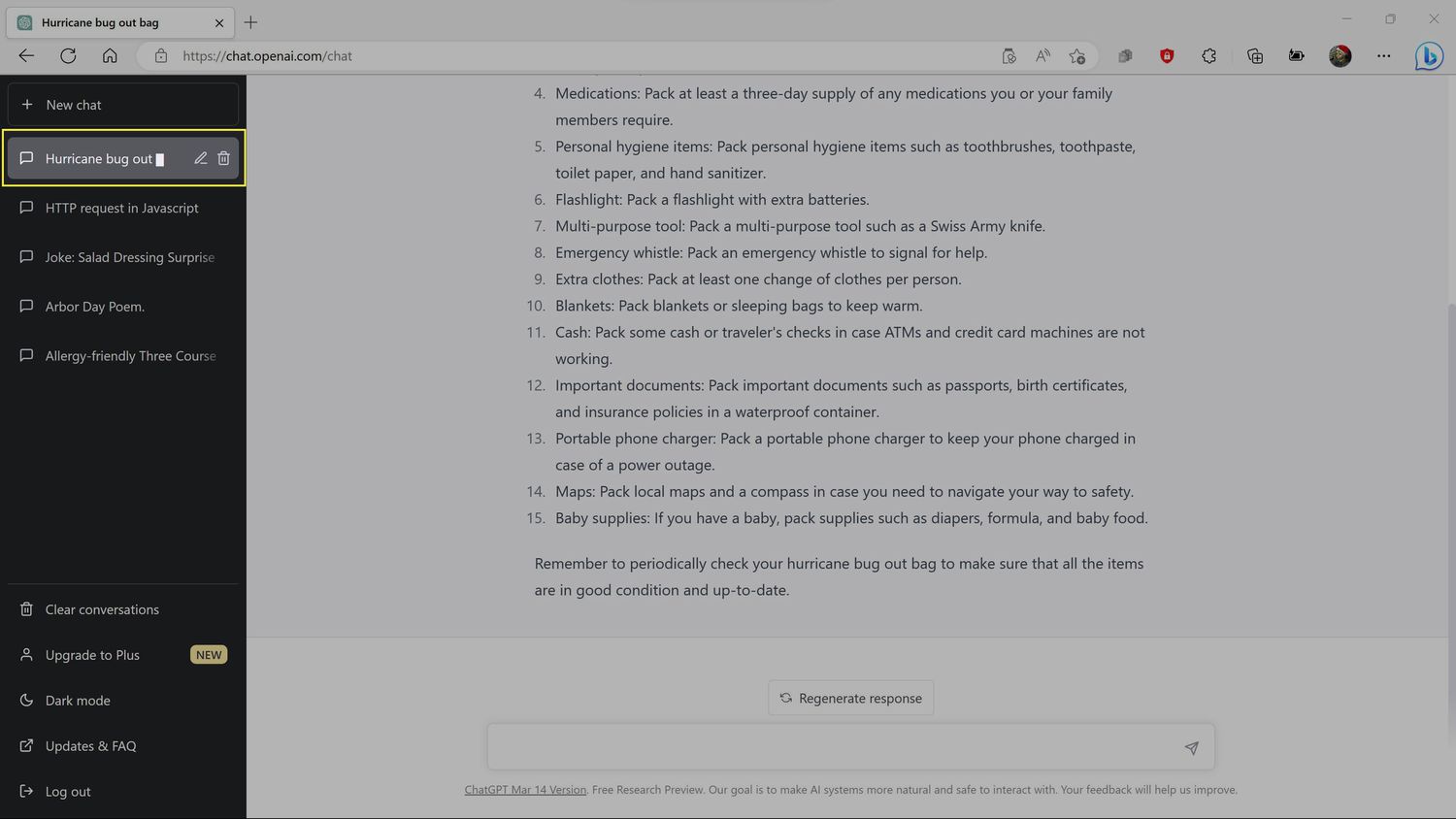
As ChatGPT goes through the process of responding to your prompt, it will automatically rename the chat thread to something related to your prompt.
-
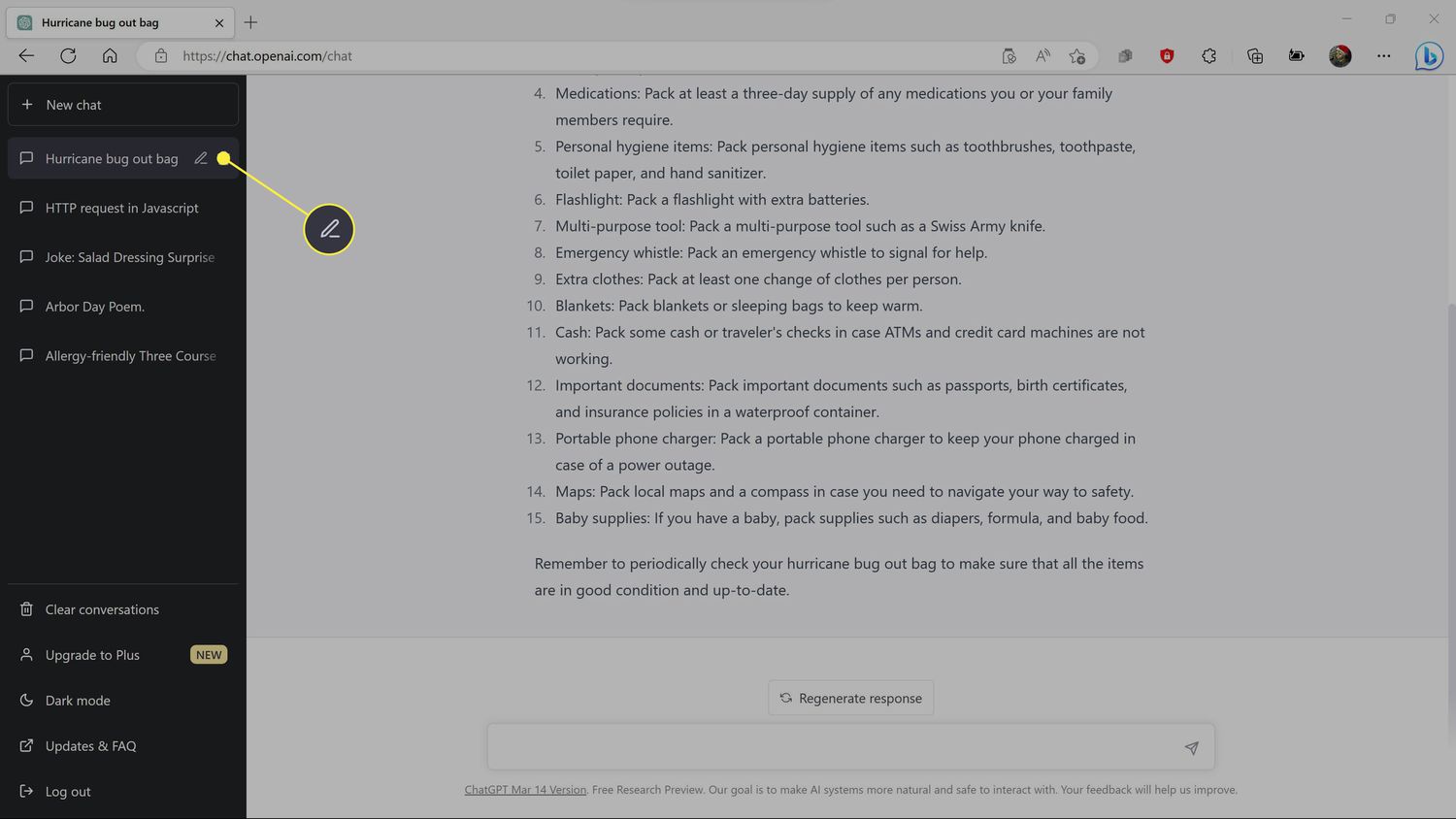
If you want to change the name, move your mouse over the chat thread and click the pencil icon.
-
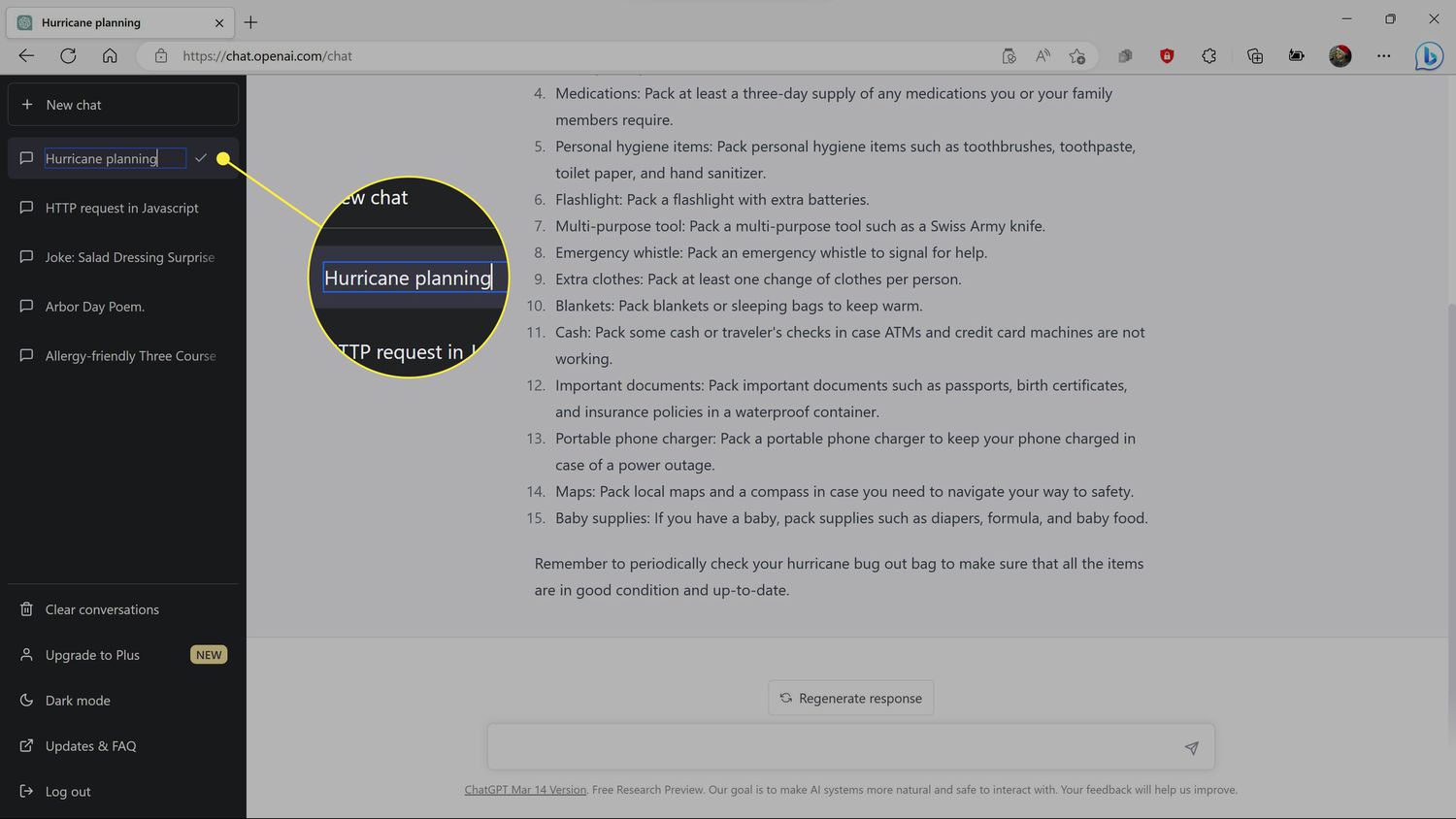
Type a new name for the chat thread that will help you find it in the future.
-
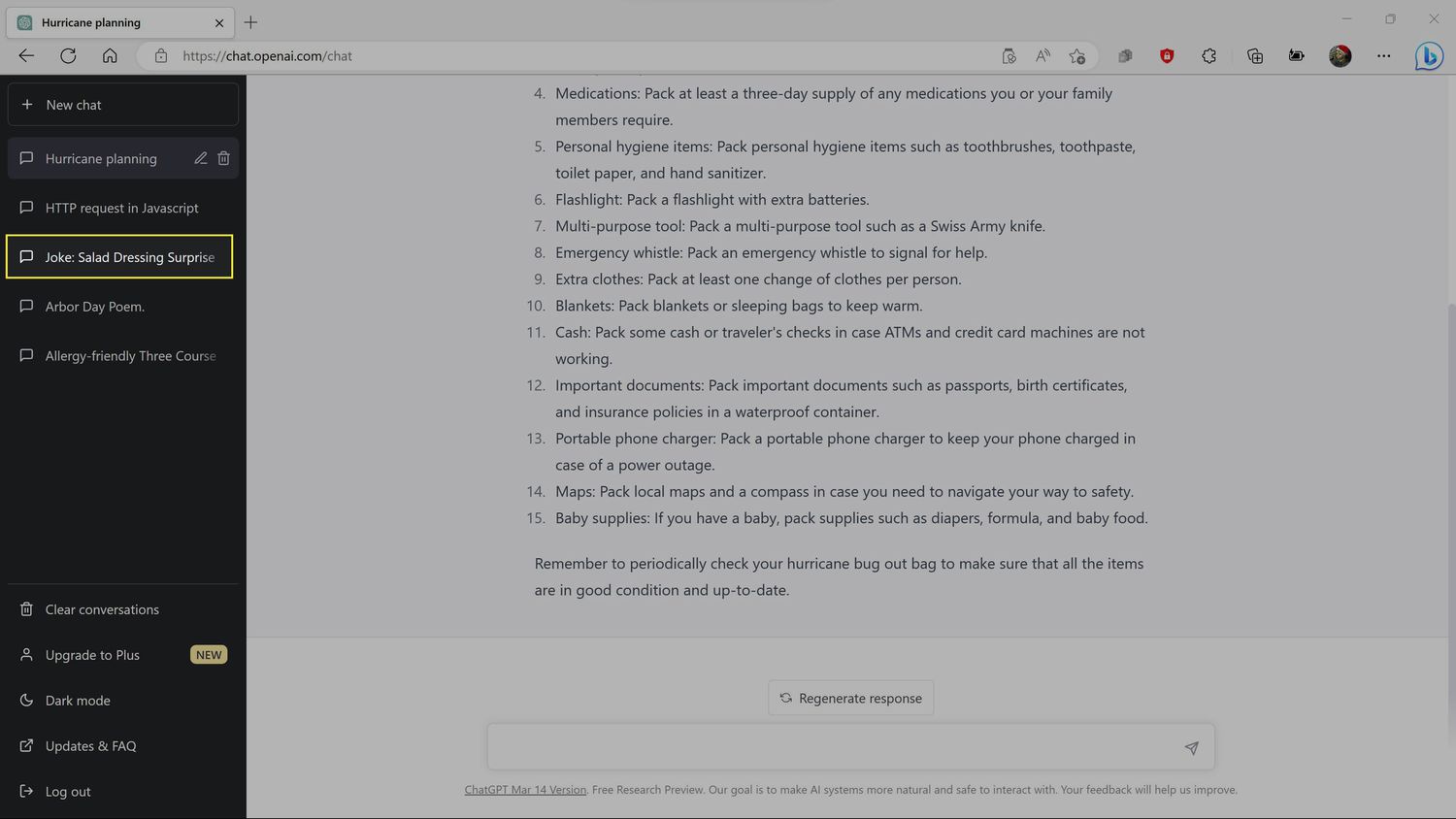
To open an old chat thread that you saved in the past, click its name in the list.
-
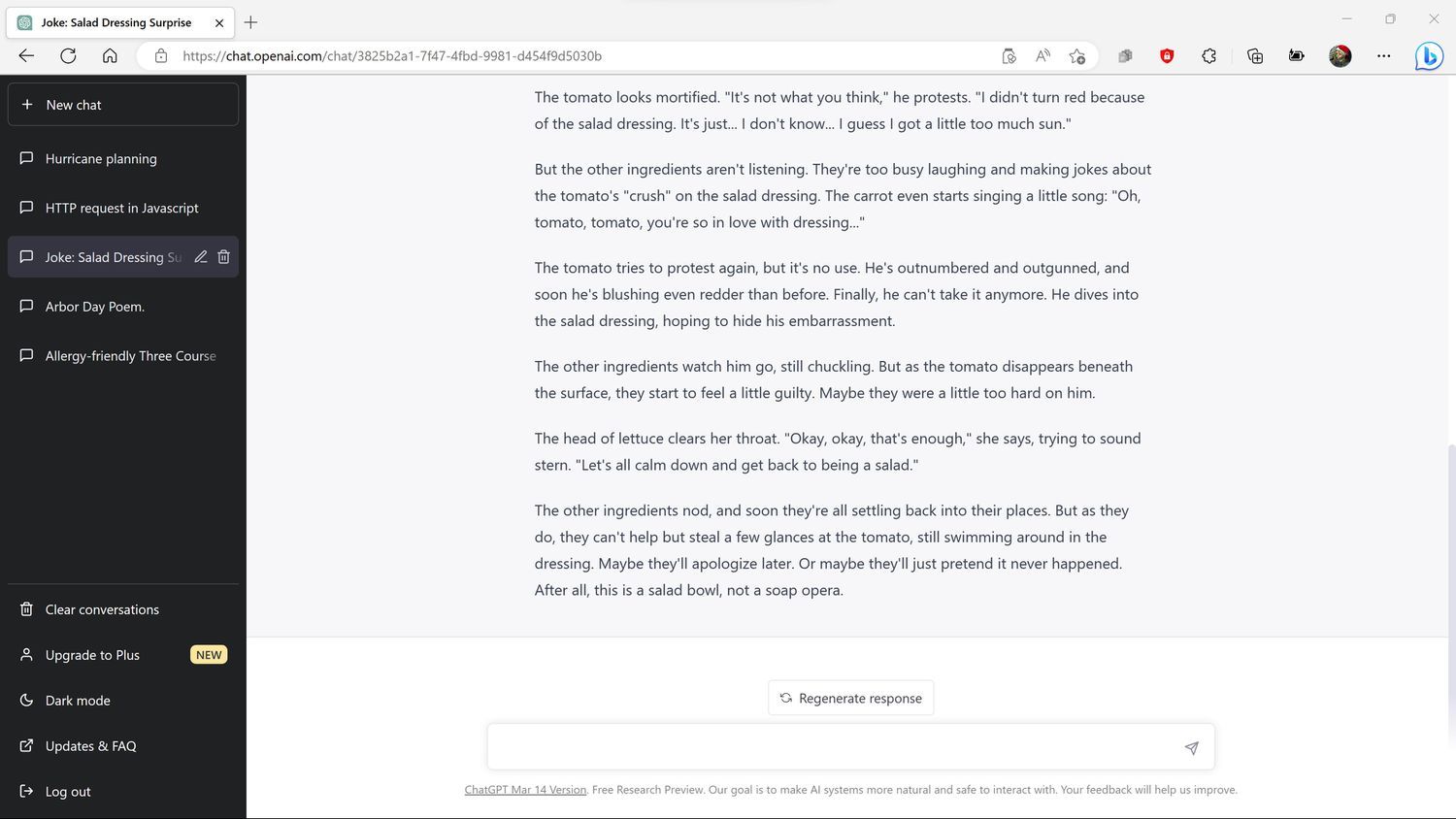
The old ChatGPT thread will open, allowing you to read it or submit new prompts to continue the conversation.
How to Share a ChatGPT Thread or Save It Locally
ChatGPT doesn't have any built-in functionality to save conversations locally, back up conversations, or share conversations. You can copy ChatGPT responses and your prompts to save or share using the app of your choice.
This doesn't preserve the formatting of the conversation, but it does provide a local copy that you can use for reference in case your old conversations are ever lost due to a problem with ChatGPT or the OpenAI servers.
Here's how to save a ChatGPT thread locally:
-
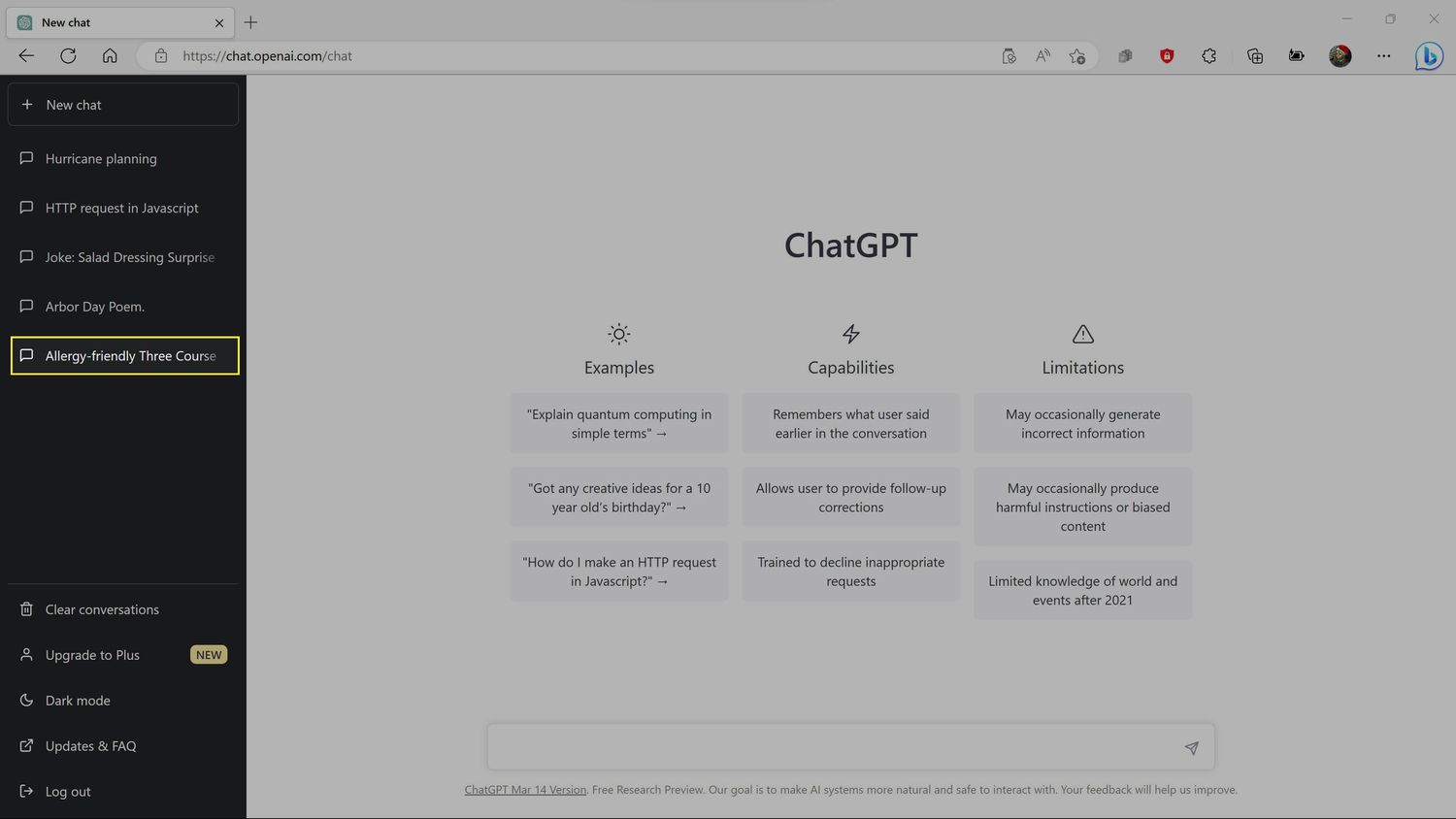
On ChatGPT's site, click the title of a saved chat in the list of old chats on the left side of the site.
-
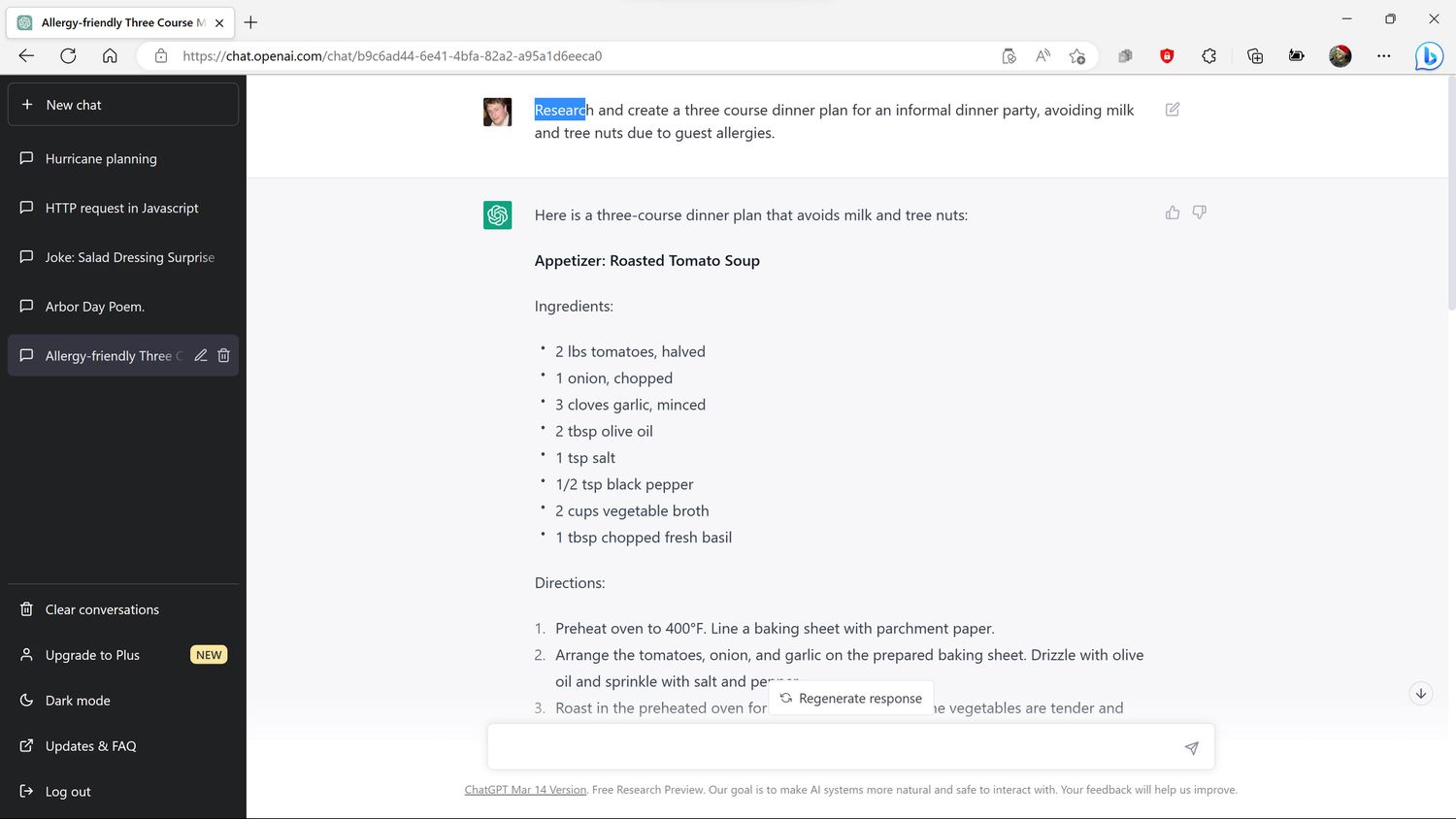
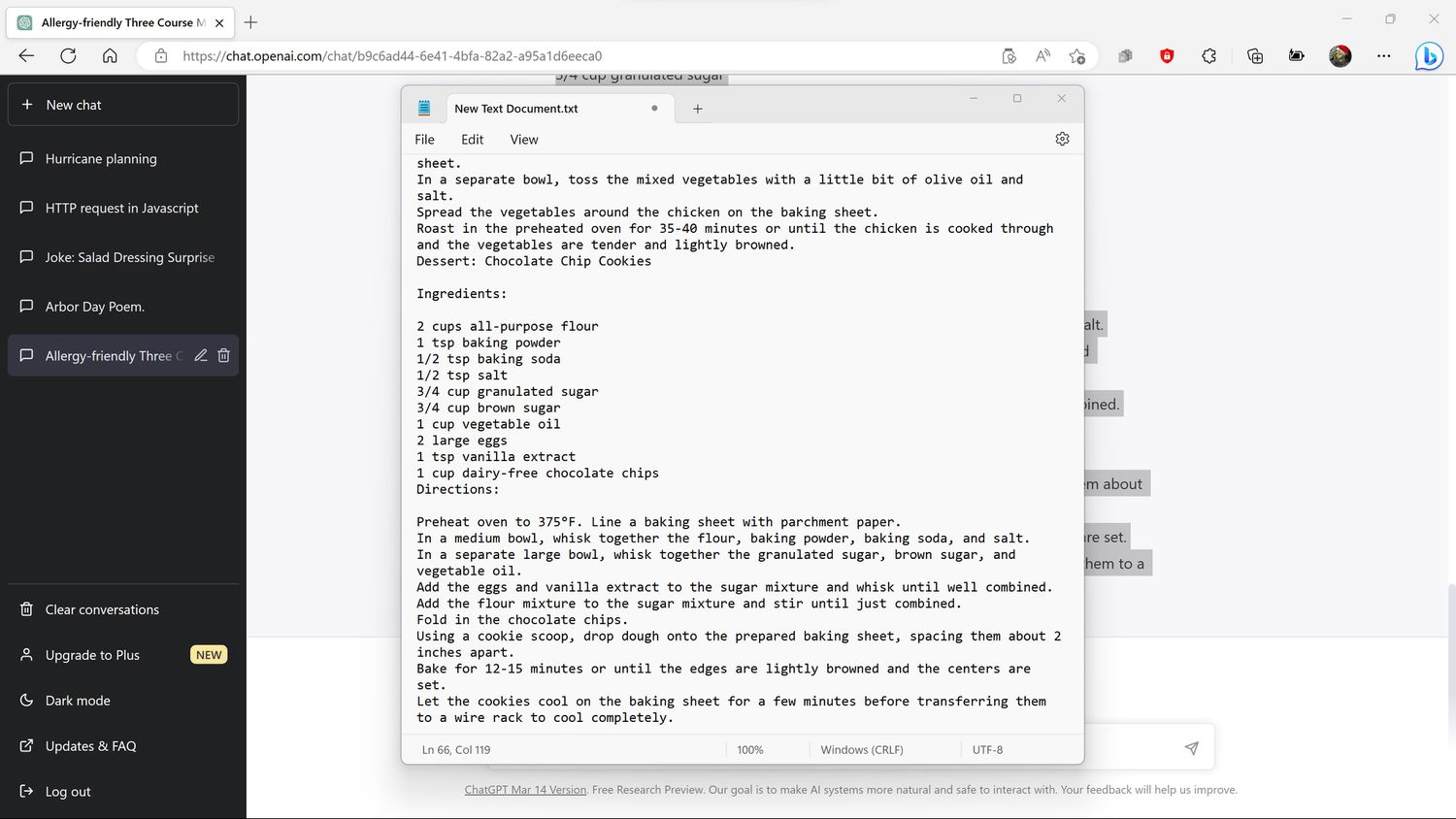
Click and drag to highlight the text you want to copy, starting at the beginning of the passage you want to copy.
-
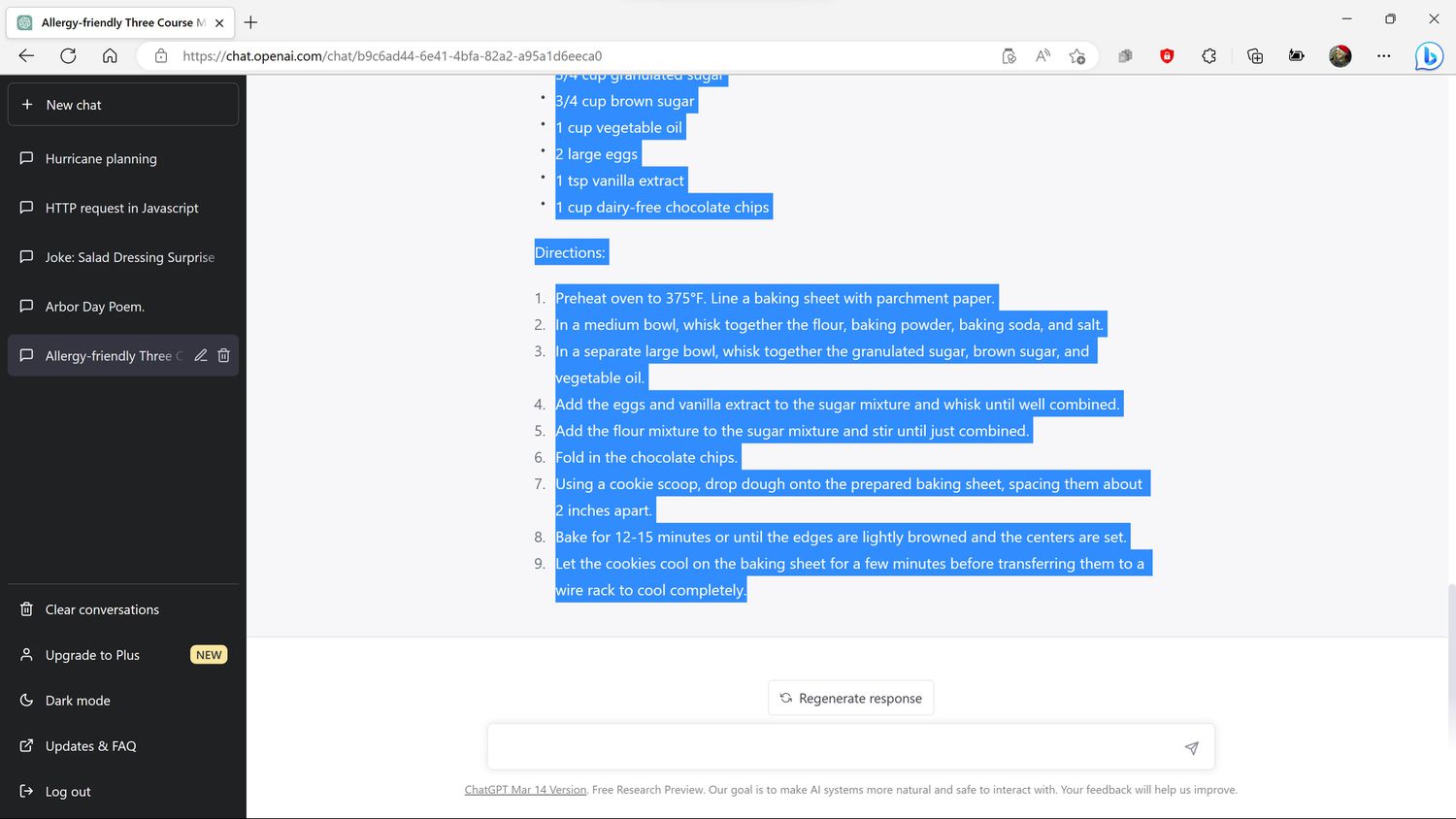
Release the mouse button once you have highlighted all of the text that you want to copy.
-
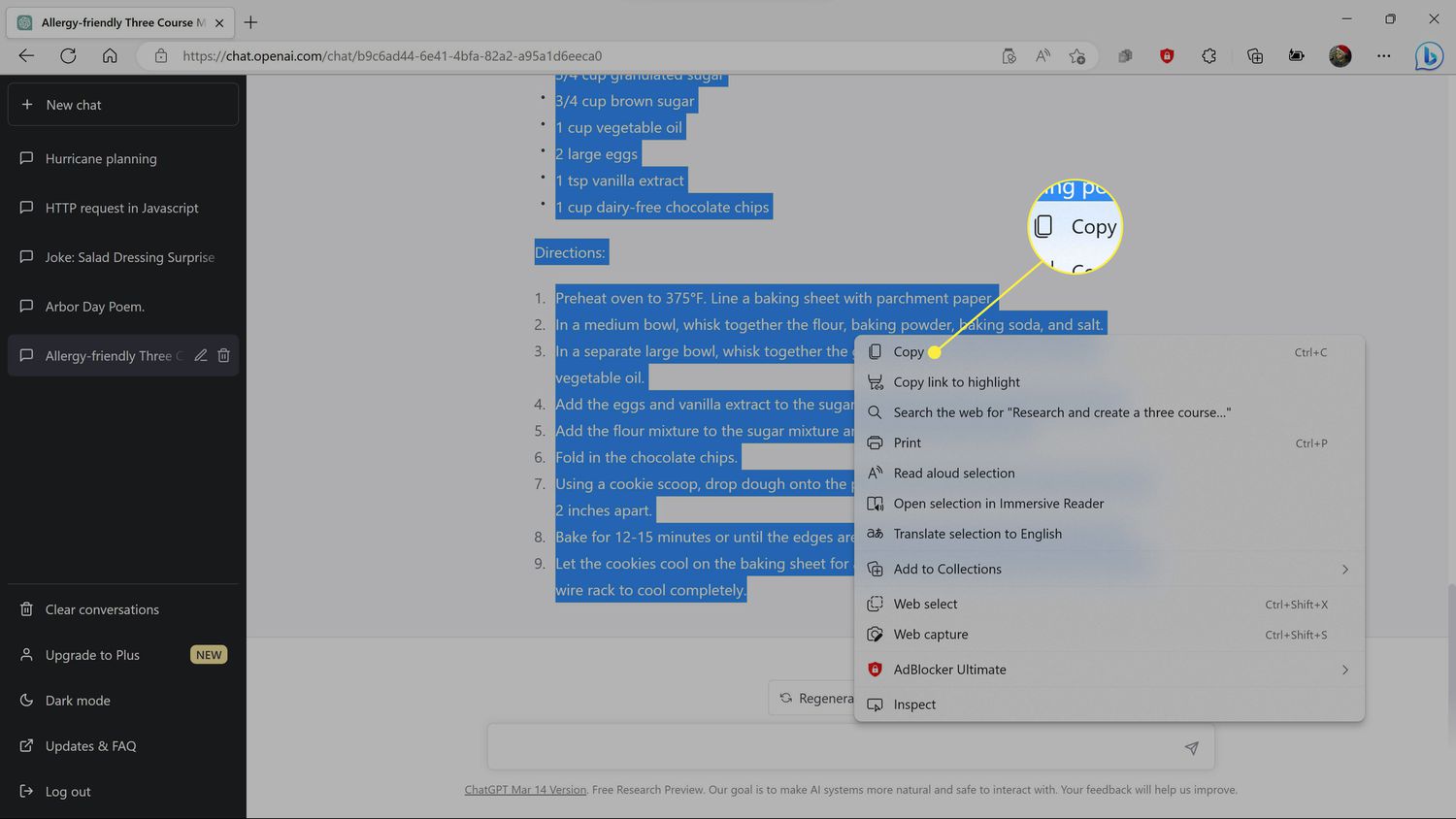
Right click the highlighted text, and click Copy.
-
You can now paste the ChatGPT conversation into a text document using the app of your choice, paste it into an email, share it via social media, or do whatever else you want with it.
How to Delete ChatGPT Conversations
ChatGPT conversations are saved by default, but you can remove ones you no longer want, or delete all your conversations at once. This removes the conversation or conversations from your list of topics, which can be useful if you've created a lot of them and are having trouble keeping track. It doesn't necessarily remove the content from OpenAI's servers, but it does remove the conversation from your interface to reduce clutter.
Deleting conversations is permanent, so make sure you really want to get rid of one before you remove it.
Here's how to delete a ChatGPT conversation:
-
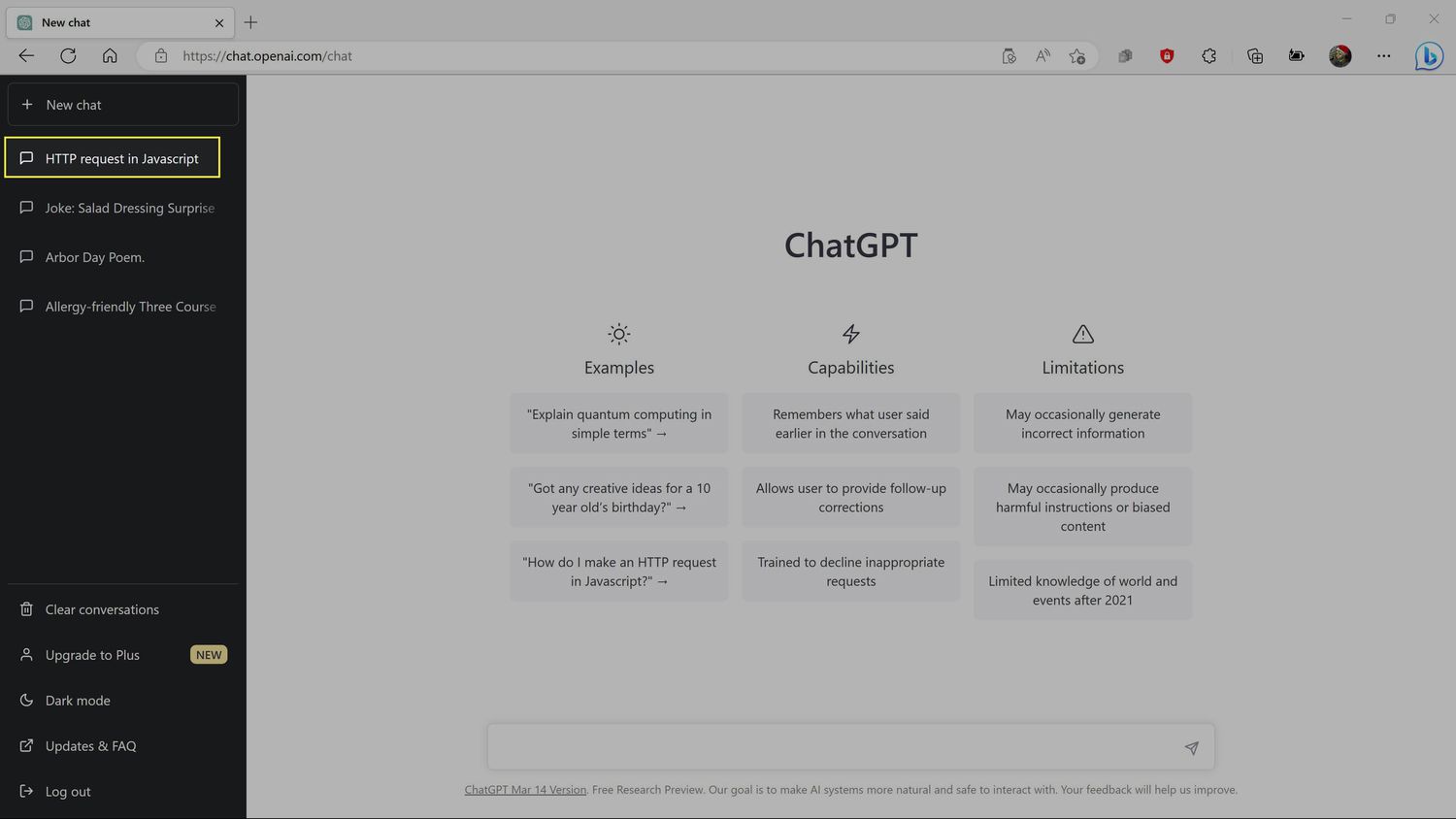
On ChatGPT's site, click the title of a saved chat you want to delete.
-
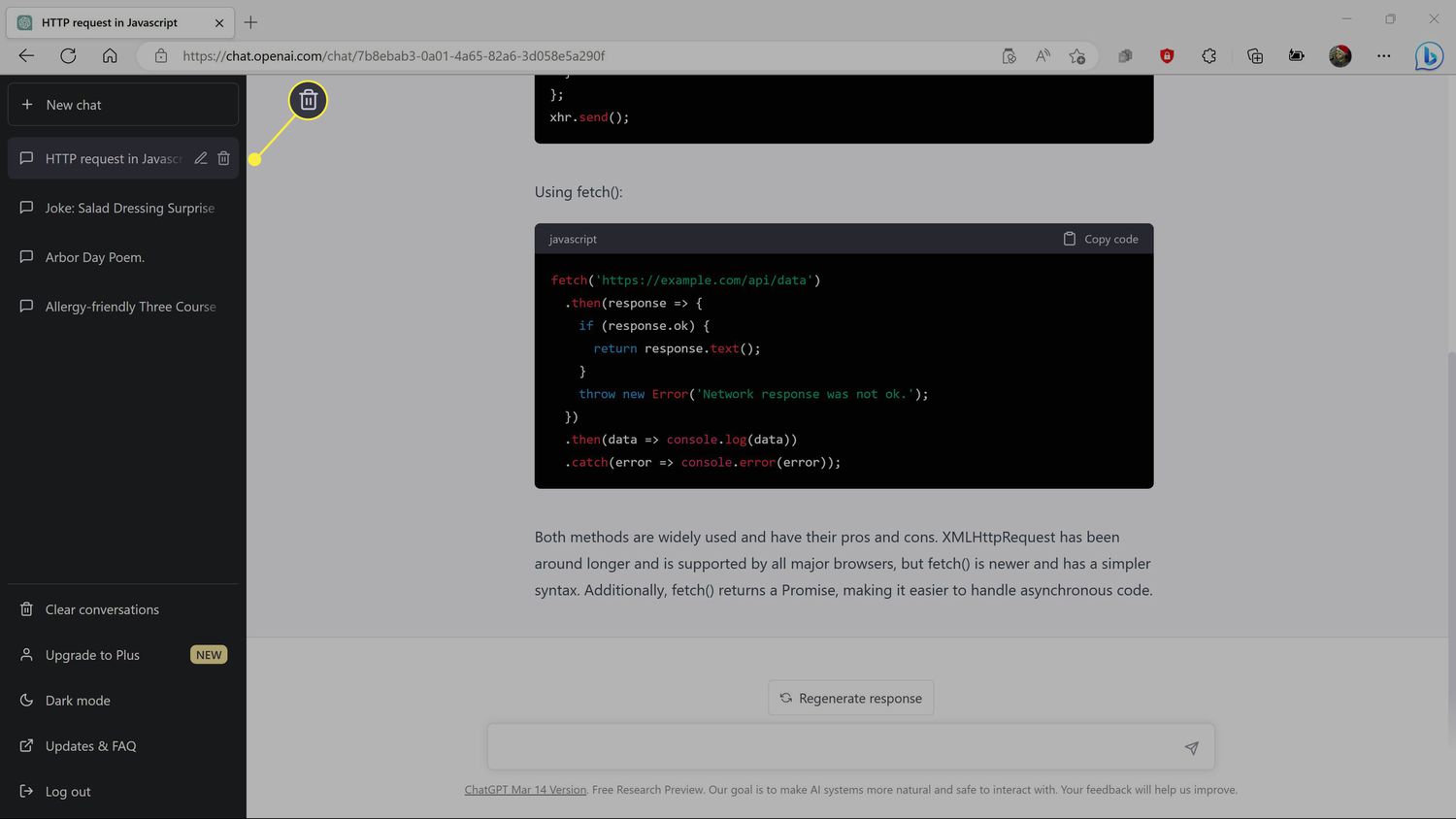
Click the trash icon.
-
Click the check icon to confirm.
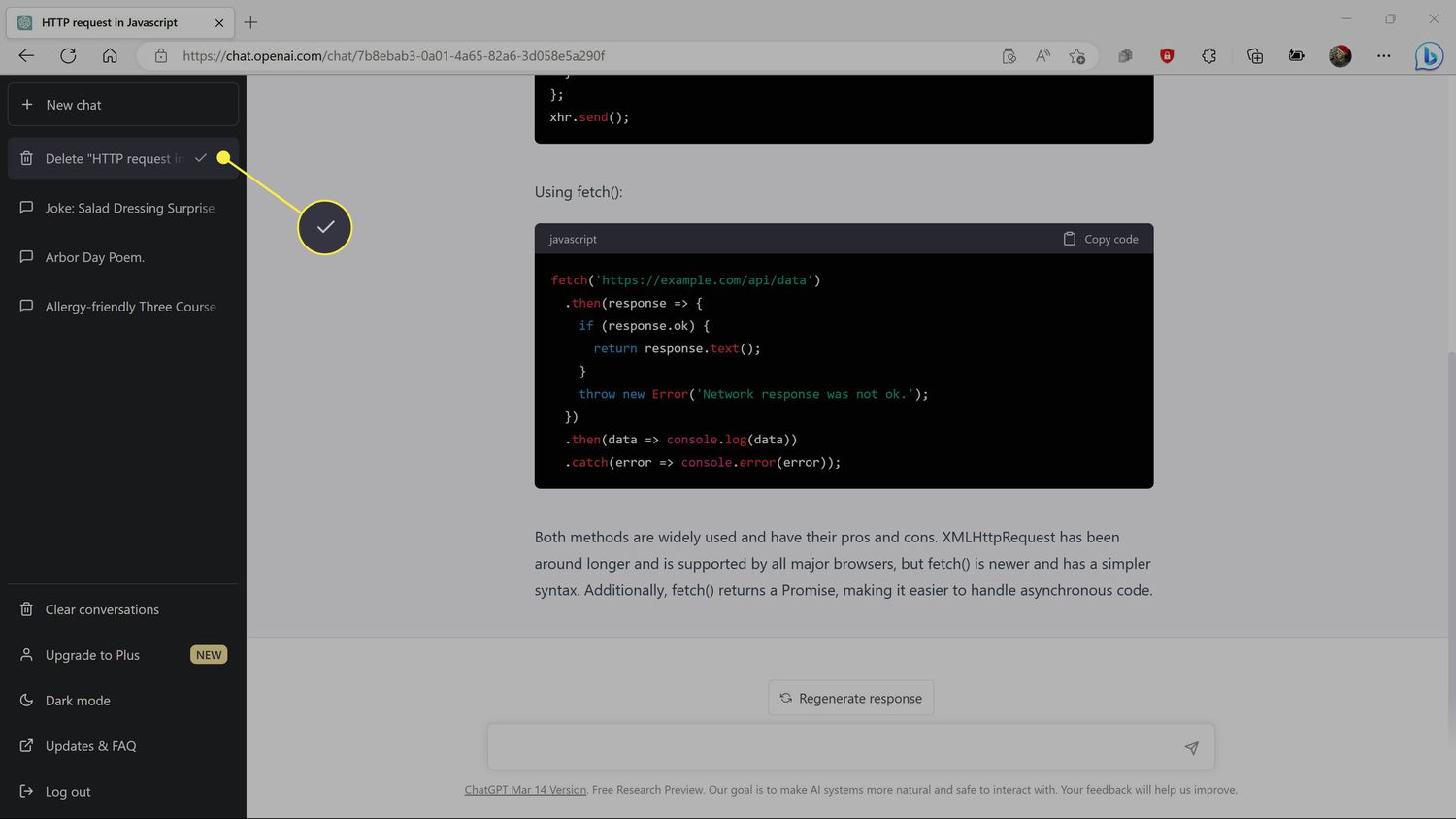
If you clicked the wrong conversation, click the x icon to cancel.
-
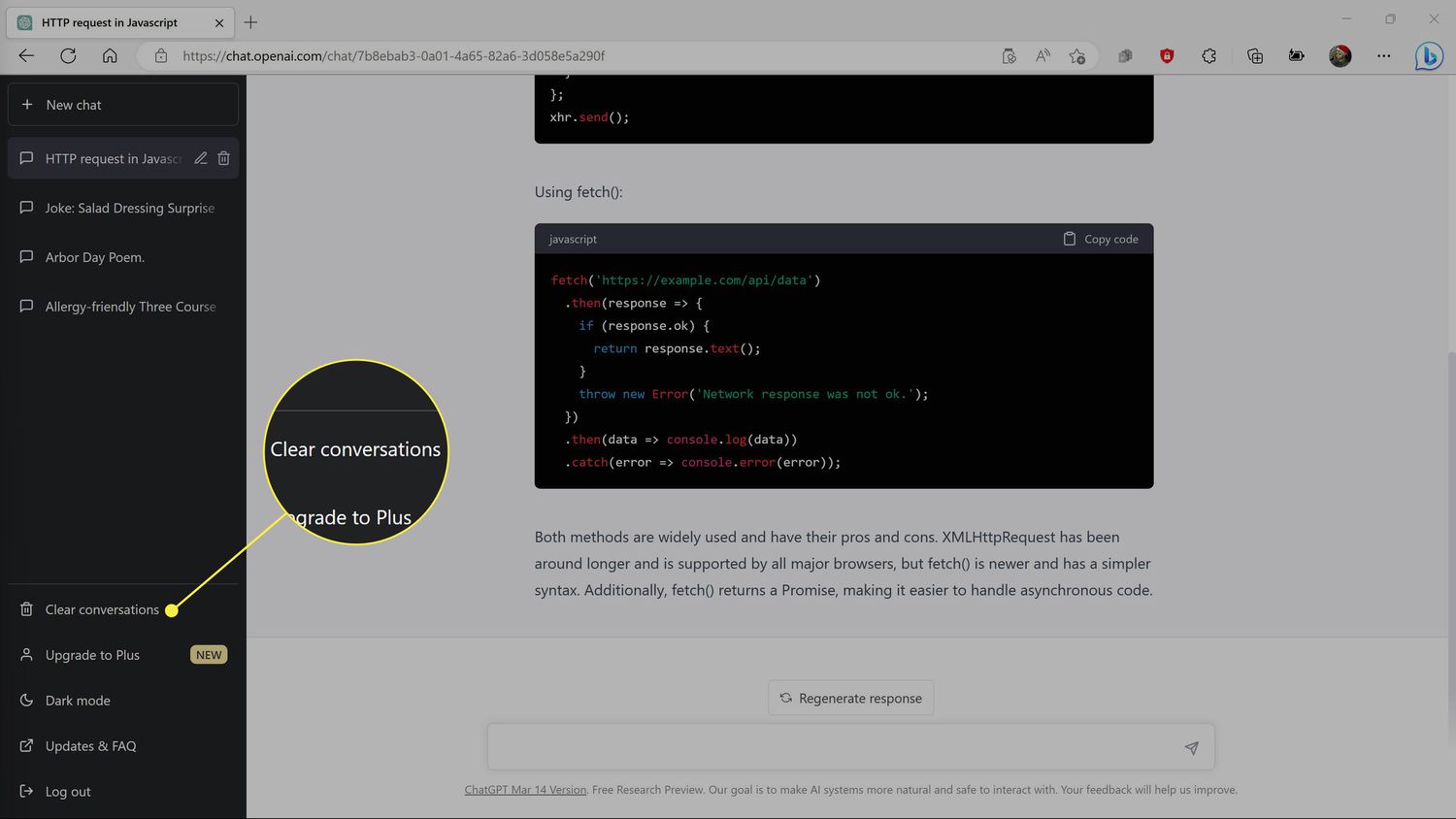
To remove everything at once instead, click Clear conversations.
-
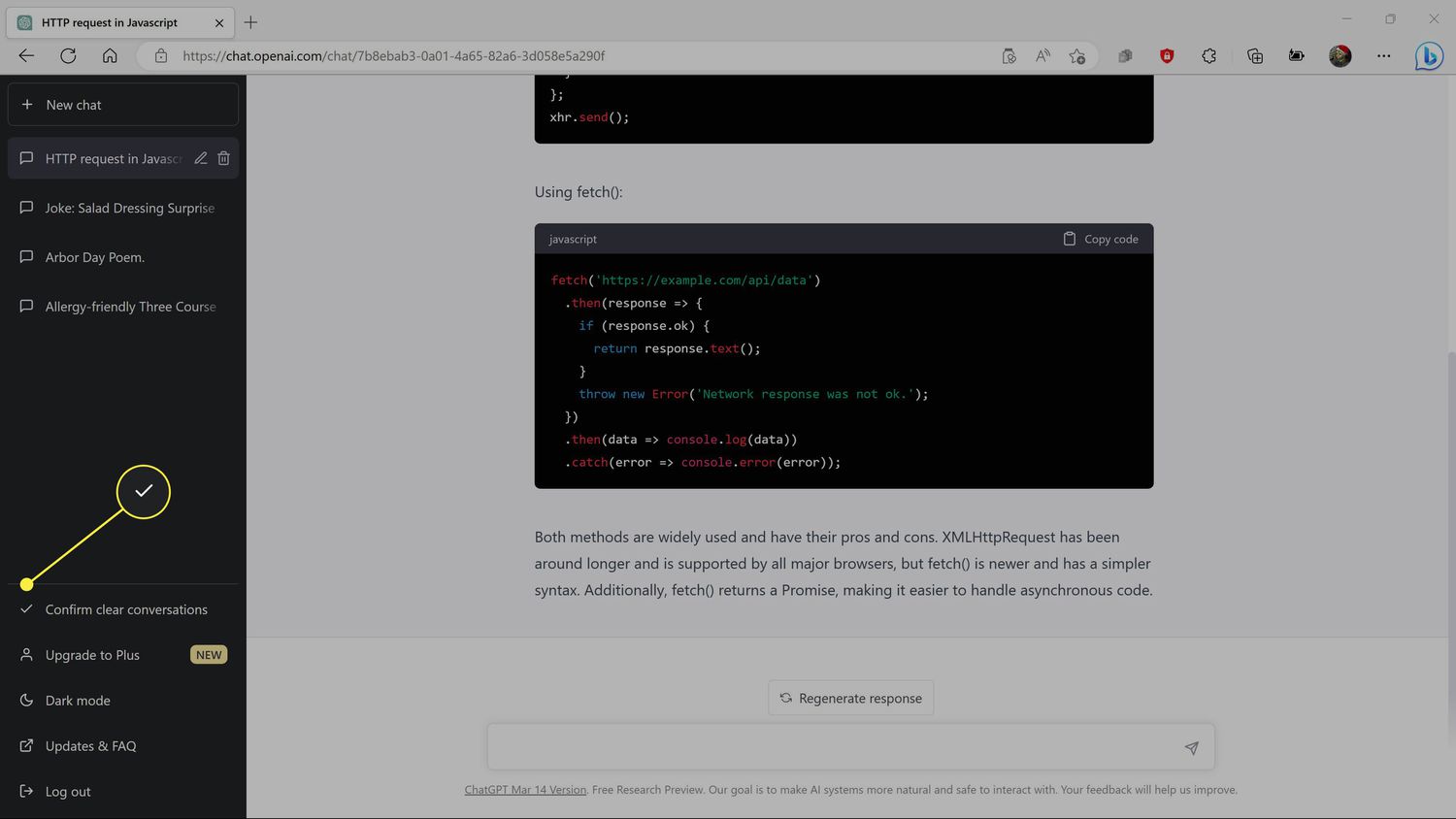
Click Confirm clear conversations to finalize the deletion.
- Who owns ChatGPT?
ChatGPT is a product of OpenAI, which also created the DALL-E AI image generator. The company has partnered with Microsoft to bring ChatGPT to the Bing search engine, and Microsoft owns a large stake, but OpenAI is technically an independent company.
- What does "ChatGPT" stand for?
The "GPT" part stands for "generative pre-trained transformer," which describes a specific kind of language model. These models make responses based on studying a huge amount of data that programmers use to "train" it.