
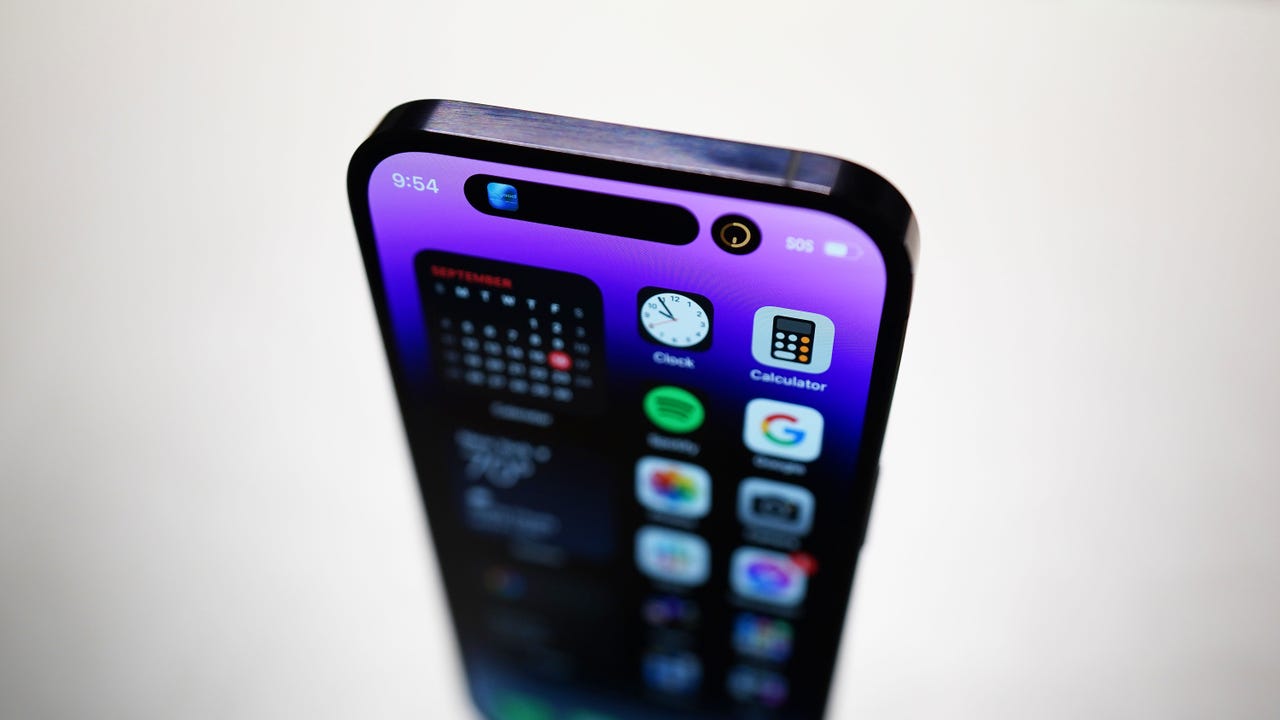
Apple announced some significant updates for the iPhone with iOS 18 during this week's WWDC event. In addition to a customizable home screen, Control Center, and lock screen, iOS 18 will give users a Photos app overhaul, new Messages enhancements, a new Passwords app, and many artificial intelligence (AI) updates under Apple Intelligence to enhance app functionality.
Also: Every iPhone model that will get Apple's iOS 18 (and which ones won't)
While the iOS 18 general release is still months away, users can download a public beta as soon as next month and the iOS 18 developer beta today. Before you download a beta version of an operating system, you should have some housekeeping items in mind:
- Back up your device and personal information
- Try not to download the developer software, likely to have bugs and glitches, on your everyday iPhone
- You should go into the experience with the goal of testing new features and sharing feedback for the betterment of iOS
How to install the iOS 18 developer beta
What you need: An iPhone running iOS 16.5 or later with an Apple ID used in the Apple Developer program. You'll also need a model newer than the iPhone X.
1. Download the Apple Developer app
Go to the App Store on your iPhone and download the Apple Developer app.
If you aren't already a member of the Apple Developer Program, you can sign up to become one in the app. An annual membership costs $99.
2. Install the iOS 18 developer beta
You can navigate to your settings to install the iOS 18 developer beta if your device runs iOS 16.4 and is used with an Apple ID enrolled in the Apple Developer Program:
- Go to your iPhone Settings
- Tap on General
- Select Software Update
- Go to Beta Updates
- Choose the iOS 18 Developer Beta
If you can't see this option, go to your Settings, select Privacy & Security, and enable Developer Mode.
More how-tos
-
How to sign up for Google Labs - and 5 reasons why you should
-
How to connect Bluetooth headphones to the Xbox One, Series S, or Series X
-
How to send and receive iMessages on Windows
-
How to reset your AirPods - and when you should