
 Article Contents
FortiGuard Labs gathers data on ransomware variants of interest that have been gaining traction within our datasets and the OSINT community. The Ransomware Roundup report aims to provide readers with brief insights into the evolving ransomware landscape and the Fortinet solutions that protect against those variants.
This edition of the Ransomware Roundup covers the Interlock ransomware.
Affected platforms: Microsoft Windows, FreeBSD
Impacted parties: Microsoft Windows and FreeBSD users
Impact: Encrypts victims' files and demands ransom for file decryption
Severity level: High
Interlock Ransomware Overview
Interlock is a new ransomware variant that was first submitted to a publicly available file-scanning site in early October 2024. This could indicate that the ransomware emerged as early as September or even earlier.
The Interlock ransomware comes in Windows and FreeBSD versions. It encrypts files on victims' machines and demands a ransom to decrypt them via dropped ransom notes.
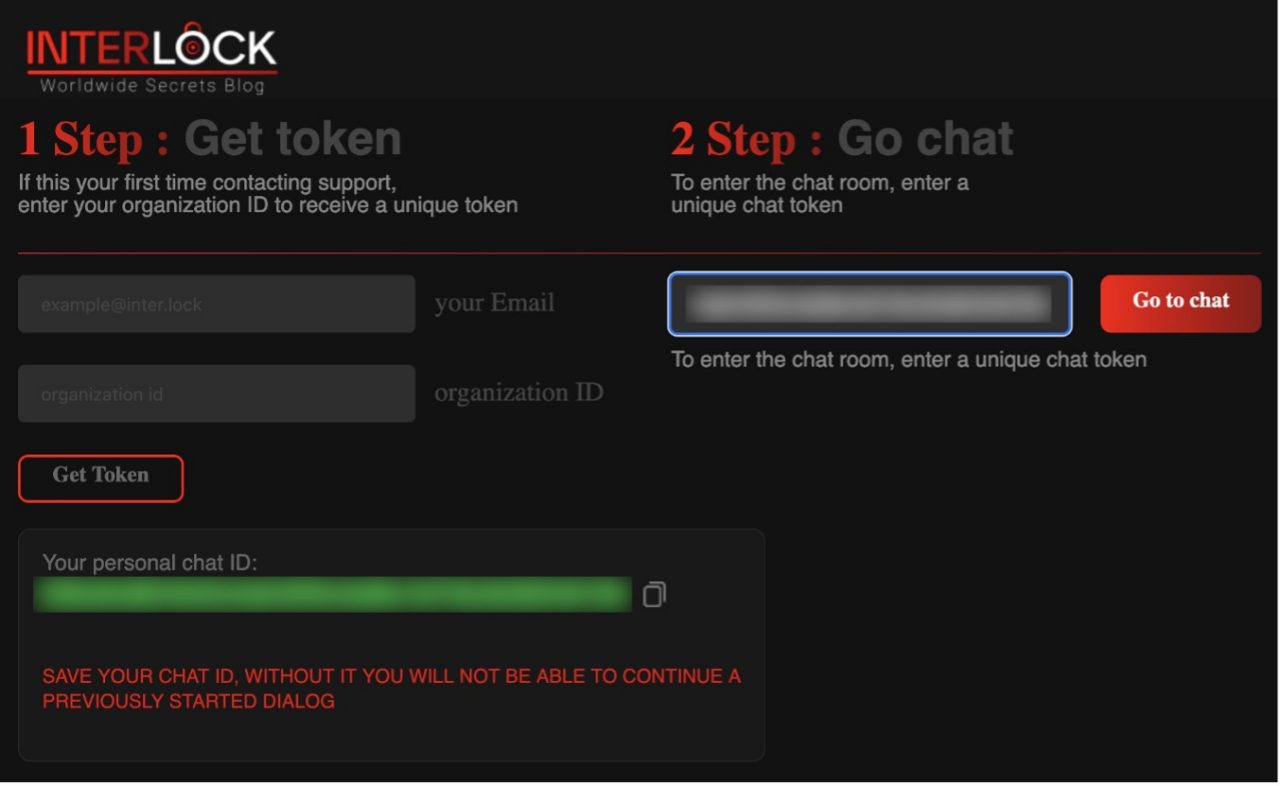 Figure 1: Login screen of the Interlock ransomware's negotiation site
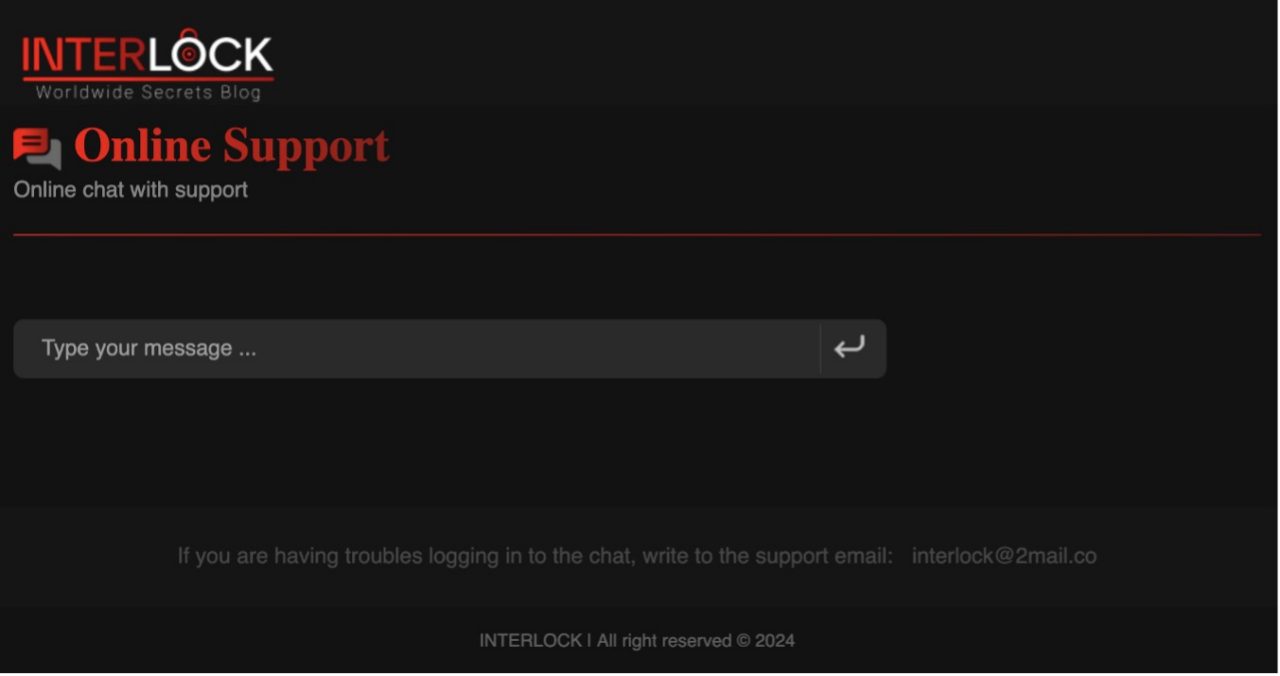 Figure 2: Interlock ransomware's ransom negotiation page
Infection Vector
While the initial infection vector of the Interlock ransomware has not been identified, researcher Sina Kheirkhah (@SinSinology) reported that a previously unknown backdoor was found on a victim's machine. It is possible that the ransomware was deployed through this backdoor.
Attack Method
Windows Version of Interlock Ransomware
The Windows version of the ransomware claims to support the following versions of Windows:
- Windows Vista
- Windows 7
- Windows 8
- Windows 8.1
- Windows 10
The Interlock ransomware takes the following parameters on execution:
- -d, --directory
- -f, --file
- -del, --delete
- -s, --system
Once executed, the Interlock ransomware encrypts files on victims' machines and drops a ransom note labeled "!__README__!.txt".
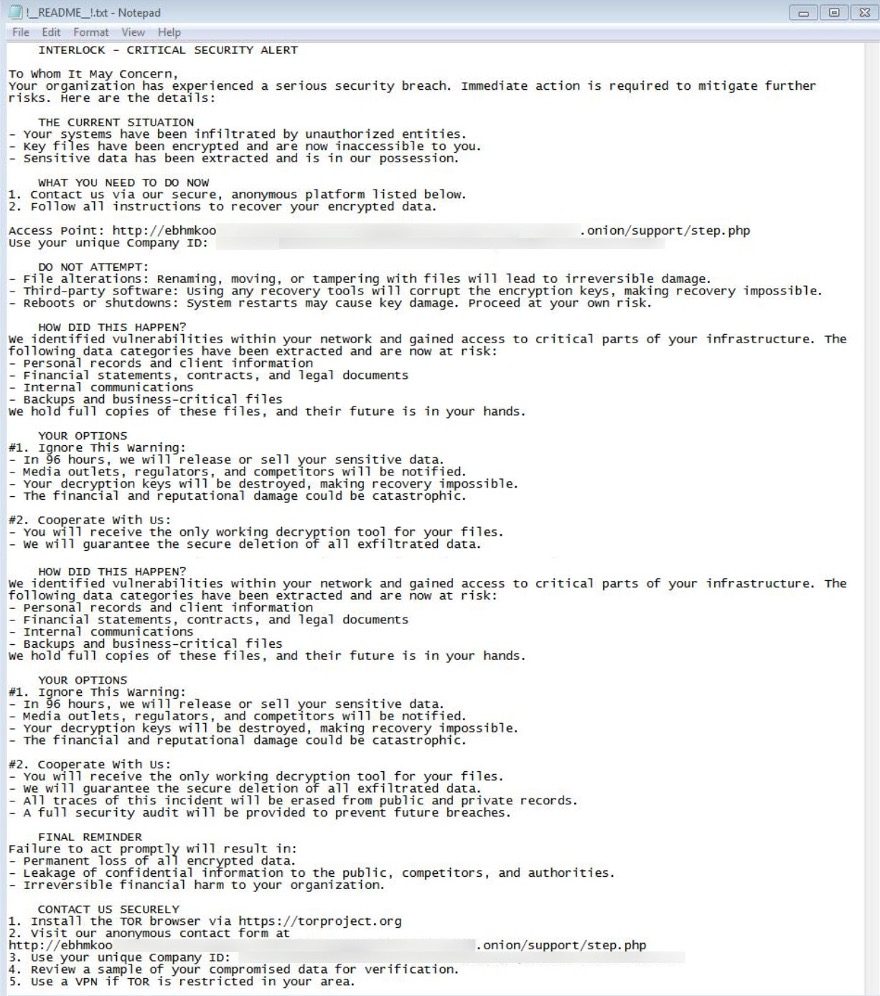 Figure 3: The Interlock ransomware's ransom note
Files encrypted by the Interlock ransomware will have a ".interlock" file extension.
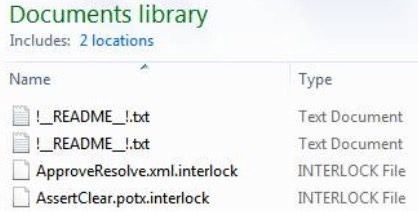 Figure 4: Files encrypted by the Interlock ransomware
The ransomware is designed to exclude the following files and filetypes from file encryption:
.bat |
.bin |
.cab |
.cmd |
.com |
.cur |
.diagcab |
.diagcfg |
.diagpkg |
.drv |
.hlp |
.hta |
.ico |
.msi |
.ocx |
.psm1 |
.scr |
.sys |
.ini |
Thumbs.db |
.url |
.dll |
.exe |
.ps1 |
It also excludes the following folders from file encryption:
$Recycle.Bin |
Boot |
Documents and Settings |
PerfLogs |
ProgramData |
Recovery |
System Volume Information |
Windows |
It also creates a scheduled task named "TaskSystem":
schtasks /create /sc DAILY /tn "TaskSystem" /tr "cmd /C cd %s && %s" /st 20:00 /ru system > nul
The above script creates a new scheduled task, TaskSystem, that runs every day at 20:00 using the System account.
FreeBSD Version of the Interlock Ransomware
The FreeBSD version of the ransomware takes parameters on execution:
- -d, --directory
- -f, --file
- -del, --delete
- -s, --system
Once the ransomware is executed, it encrypts files on victims' machines using the AES-CBC encryption algorithm and adds an ".interlock" extension to the encrypted files.
The ransomware then leaves a text file containing the same ransom note as the Windows version.
The FreeBSD version of the Interlock ransomware skips files with an ".interlock" extension from file encryption.
It also excludes the following directories from file encryption:
/bin |
/boot |
/cdrom |
/dev |
/etc |
/home |
/lib |
/lib32 |
/lib64 |
/libx32 |
/lost+found |
/media |
/mnt |
/opt |
/proc |
/run |
/root |
/sbin |
/snap |
/srv |
/sys |
/tmp |
/usr |
/var |
It also avoids encrypting the following file:
- boot.cfg
Victimology
At the time of our investigation, the Interlock ransomware data leak site listed six victims. Five of those were in the United States, and the other was in Italy. However, submission data to the publicly available scanning service potentially shows even broader victim locations. Interlock ransomware samples have been submitted from India, Italy, Japan, Germany, Peru, South Korea, Turkey, and the United States.
The victims are in the education, finance, government, healthcare, and manufacturing sectors, indicating that the Interlock ransomware does not have a policy to avoid targeting essential businesses and organizations, as some other ransomware groups have.
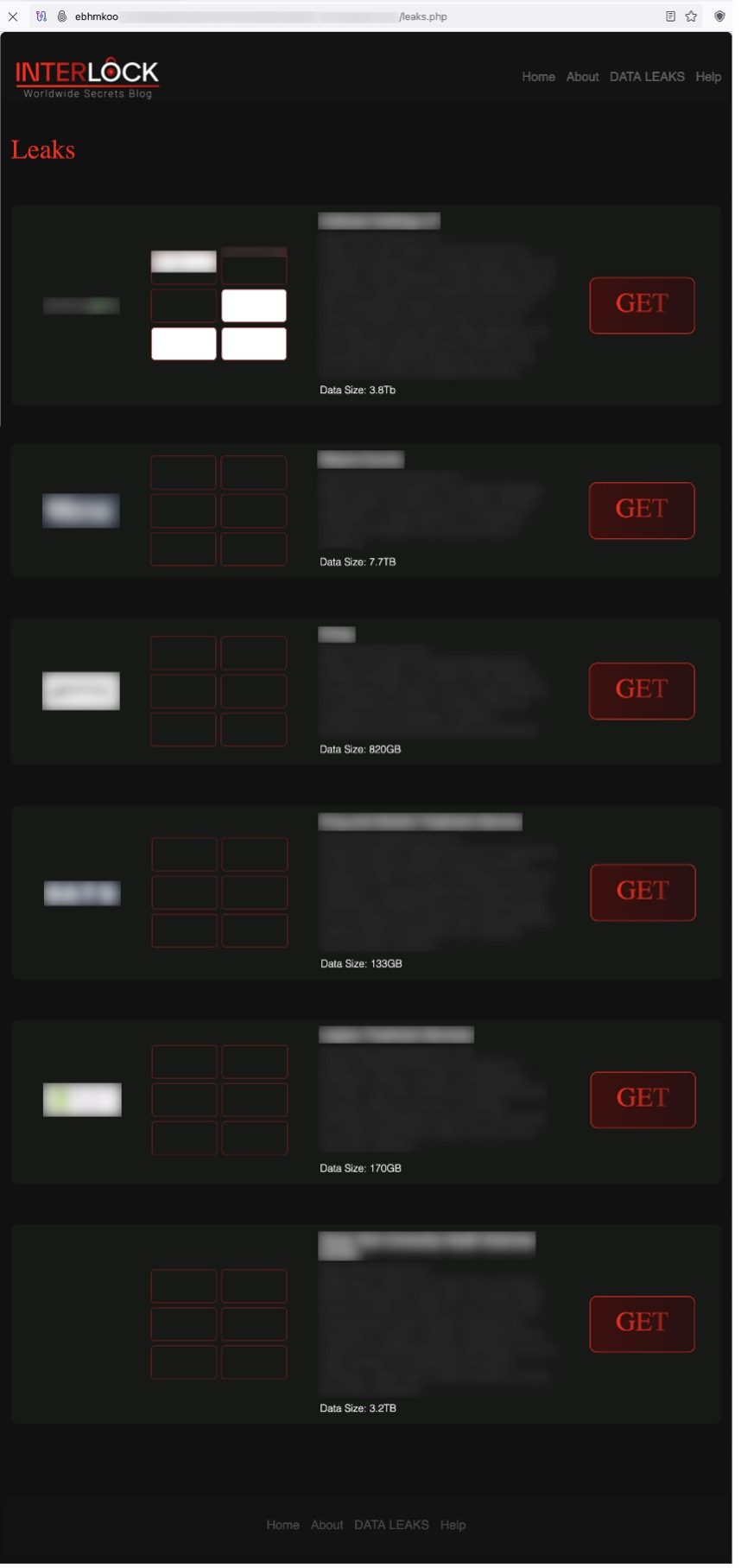 Figure 5: A list of the Interlock ransomware victims on the data leak site
Each victim has its own page describing the victim's organization and lists stolen and leaked files.
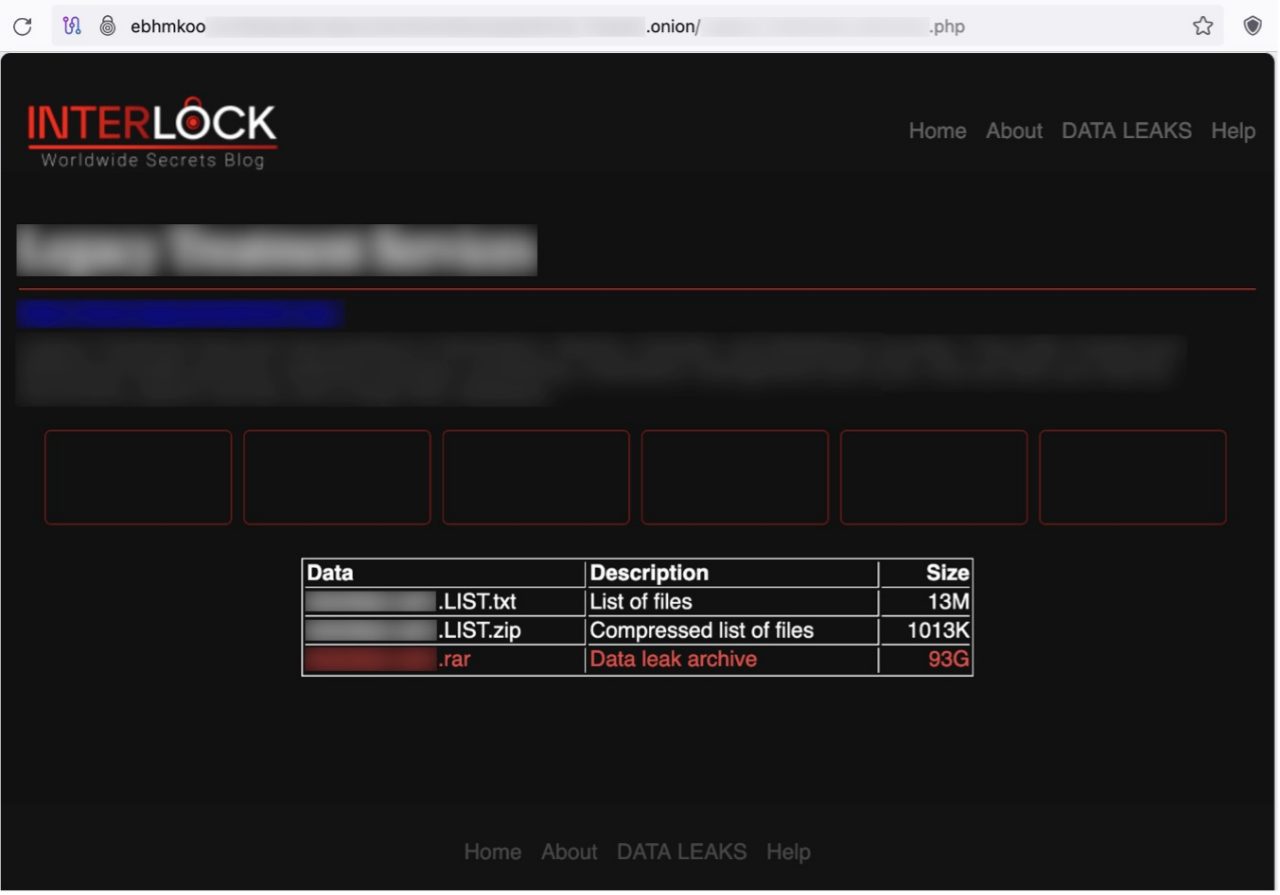 Figure 6: A victim's page on the Interlock ransomware's TOR site
Data Leak Site
The Interlock ransomware runs its data leak site on TOR, which is divided into the following four sections:
- Home
- About -contains an FAQ
- DATA LEAK -includes a list of victims
- Help -includes contact information
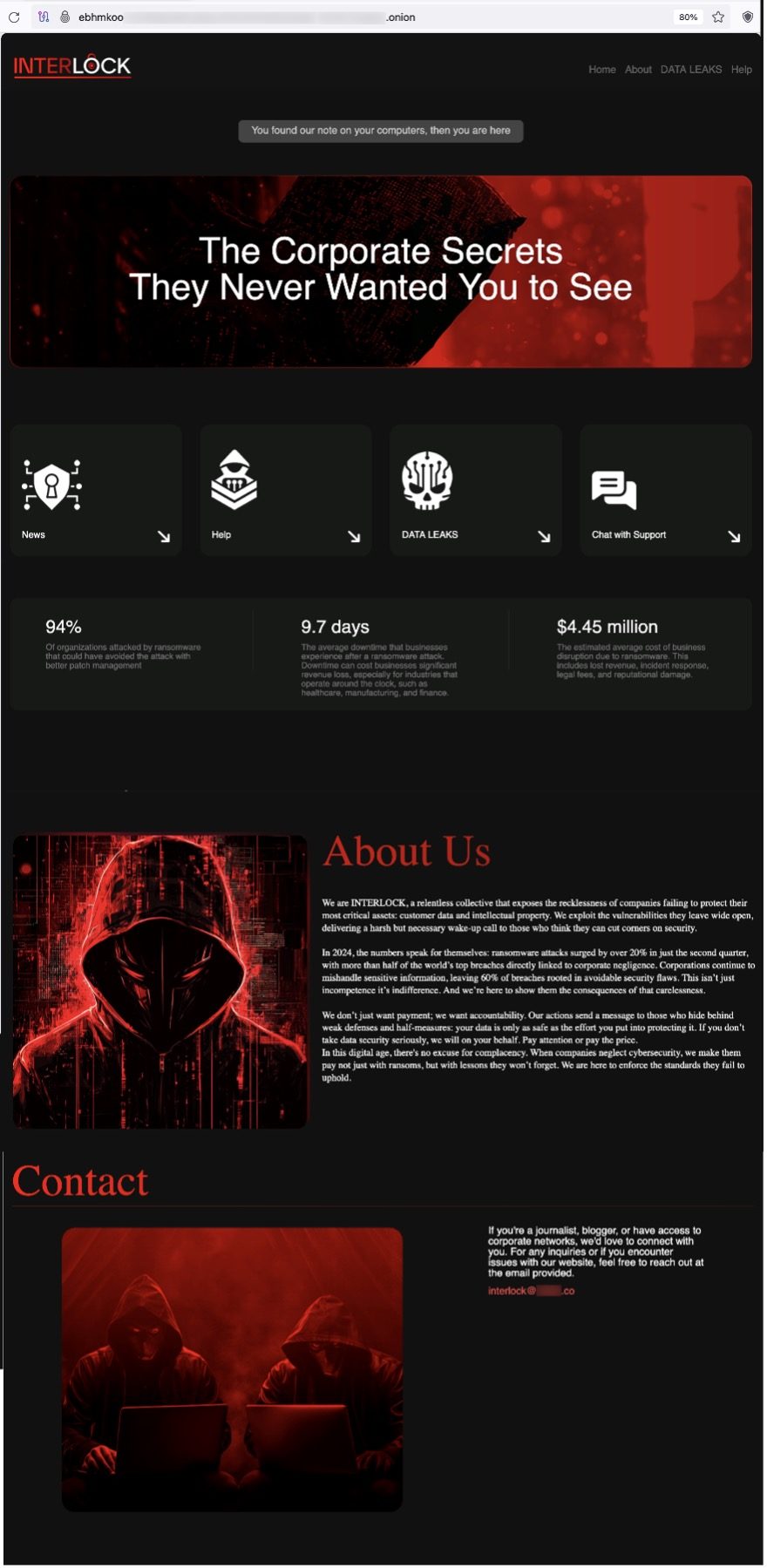 Figure 7: Top page of the Interlock ransomware's TOR site
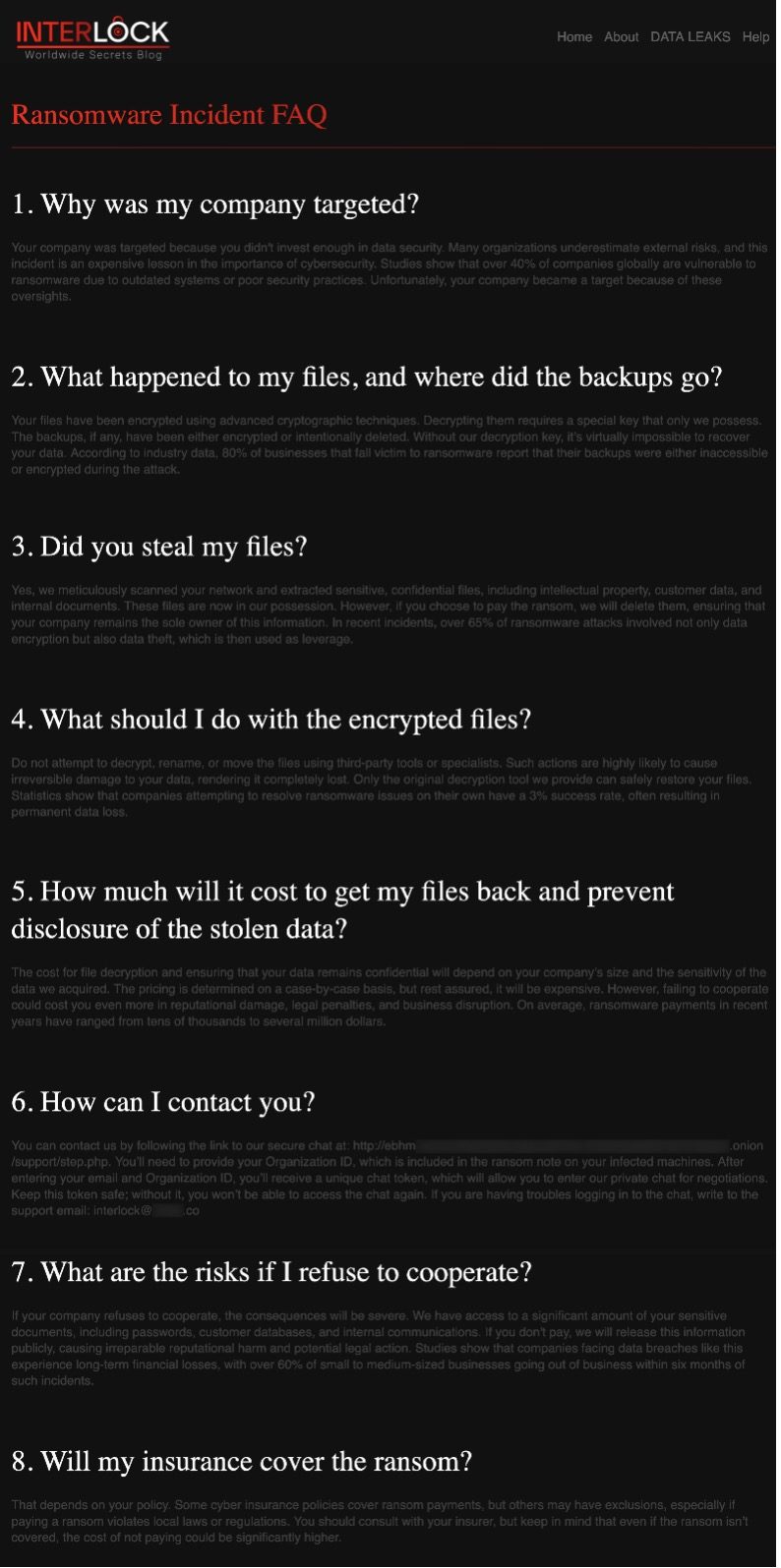 Figure 8: "About Us" on the Interlock ransomware's TOR site
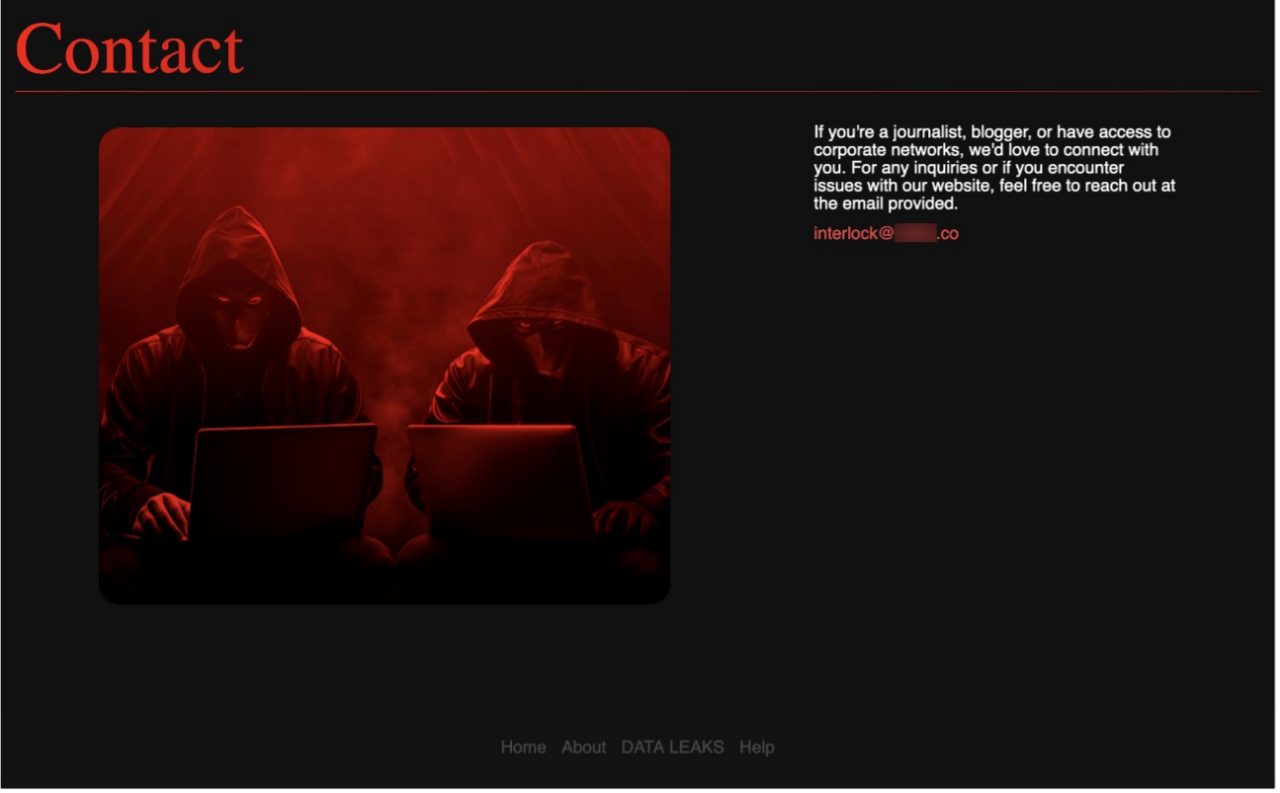 Figure 9: "Help" page on the Interlock ransomware's TOR site
Fortinet Protections
The Interlock ransomware described in this report is detected and blocked by FortiGuard Antivirus as:
- W32/Kryptik.HXUY!tr.ransom
- Linux/Filecoder_InterLock.A!tr
- W64/GenKryptik.HCFC!tr
- W64/Filecoder_Rhysida.D!tr
- W32/PossibleThreat
FortiGate, FortiMail, FortiClient, and FortiEDR support the FortiGuard AntiVirus service. The FortiGuard AntiVirus engine is part of each solution, so customers with these products have up-to-date protection.
IOCs
Interlock Ransomware File IOCs
SHA2 |
Note |
a26f0a2da63a838161a7d335aaa5e4b314a232acc15dcabdb6f6dbec63cda642 |
Interlock ransomware (Windows version) |
28c3c50d115d2b8ffc7ba0a8de9572fbe307907aaae3a486aabd8c0266e9426f |
Interlock ransomware (FreeBSD version) |
e86bb8361c436be94b0901e5b39db9b6666134f23cce1e5581421c2981405cb1 |
|
f00a7652ad70ddb6871eeef5ece097e2cf68f3d9a6b7acfbffd33f82558ab50e |
IOCs of the backdoor malware reported by Sina Kheirkhah (@SinSinology)
SHA2 |
Note |
e9ff4d40aeec2ff9d2886c7e7aea7634d8997a14ca3740645fd3101808cc187b |
Backdoor malware allegedly found on the Interock ransomware victim's machine |
7d750012afc9f680615fe3a23505f13ab738beef50cd92ebc864755af0775193 |
|
6933141fbdcdcaa9e92d6586dd549ac1cb21583ba9a27aa23cf133ecfdf36ddf |
FortiGuard Labs Guidance
It is vital to keep all AV and IPS signatures up to date due to the ease of disruption, damage to daily operations, potential impact on an organization's reputation, and unwanted destruction or release of personally identifiable information (PII).
Since the majority of ransomware is delivered via phishing, organizations should consider leveraging Fortinet solutions designed to train users to understand and detect phishing threats:
The FortiPhish Phishing Simulation Service uses real-world simulations to help organizations test user awareness and vigilance against phishing threats and to train and reinforce proper practices when users encounter targeted phishing attacks.
Our FREE Fortinet Certified Fundamentals (FCF) in Cybersecurity training. The training is designed to help end users learn about today's threat landscape and will introduce basic cybersecurity concepts and technology.
Organizations will need to make foundational changes to the frequency, location, and security of their data backups to effectively deal with the evolving and rapidly expanding risk of ransomware. When coupled with digital supply chain compromise and a workforce telecommuting into the network, there is a real risk that attacks can come from anywhere. Cloud-based security solutions, such as SASE, to protect off-network devices; advanced endpoint security, such as EDR (endpoint detection and response) solutions that can disrupt malware mid-attack; and Zero Trust Access and network segmentation strategies that restrict access to applications and resources based on policy and context, should all be investigated to minimize risk and to reduce the impact of a successful ransomware attack.
As part of the industry's leading fully integrated Security Fabric, Fortinet delivers native synergy and automation across your security ecosystem. It also provides an extensive portfolio of technology- and human-based as-a-service offerings powered by our global FortiGuard team of seasoned cybersecurity experts.
FortiRecon is a SaaS-based Digital Risk Prevention Service backed by cybersecurity experts. It provides unrivaled threat intelligence on the latest threat actor activity across the dark web, enabling a rich understanding of threat actors' motivations and TTPs. The service can detect evidence of attacks in progress, allowing customers to respond rapidly to and shut down active threats.
Best Practices Include Not Paying a Ransom
Organizations such as CISA, NCSC, the FBI, and HHS caution ransomware victims against paying a ransom partly because the payment does not guarantee that files will be recovered. According to a US Department of Treasury's Office of Foreign Assets Control (OFAC) advisory, ransom payments may also embolden adversaries to target additional organizations, encourage other criminal actors to distribute ransomware, and/or fund illicit activities that could potentially be illegal. For organizations and individuals affected by ransomware, the FBI has a Ransomware Complaint page where victims can submit samples of ransomware activity via their Internet Crimes Complaint Center (IC3).
How Fortinet Can Help
FortiGuard Labs' Emergency Incident Response Service provides rapid and effective response when an incident is detected. Our Incident Readiness Subscription Service provides tools and guidance to help you better prepare for a cyber incident through readiness assessments, IR playbook development, and IR playbook testing (tabletop exercises).
Additionally, FortiRecon Digital Risk Protection (DRP) is a SaaS-based service that provides a view of what adversaries are seeing, doing, and planning to help you counter attacks at the reconnaissance phase and significantly reduce the risk, time, and cost of later-stage threat mitigation.