
Choosing between dozens of website builders, each promising the "easiest" setup and "best" features, can leave you more confused than when you started. I know because I spent countless hours sharing that frustration earlier on in my career.
I've tested nearly every major platform over the years as a B2B tech reviewer, and that's how I know that no single platform works for everyone. Some platforms give you complete design control but require a greater time investment. Others automate everything through AI but limit your customization options. In this guide, I'll walk you through the five best website builders for small businesses, so you can make a confident choice.
Get more in-depth tech coverage: Add us as a preferred Google source on Chrome and Chromium browsers.

Best web hosting deals of the week
-
Hostinger - Save 80% Off 2 Years Premium Plan + 3 Months Free :$3 (save $10)
-
IONOS - Save 93% Off 1 Year IONOS Plus Plan :$1 (save $13)
-
HostGator - Save 76% Off 3 Years HostGator Hatchling Plan :$3 (save $9)
-
InMotion Hosting - Save 81% Off 1 Year Core Plan :$3 (save $10)
What is the best website builder for small businesses right now?
After testing dozens of website builders just over the last week, I recommend Webflow to any small businesses that prioritize design and long-term scalability. It delivers professional-grade customization without forcing you to write code, covering from simple landing pages to complex multi-page sites. While you do need some familiarity with basic design principles like flexboxes and hierarchy, Webflow's visual editor gives you pixel-perfect control while maintaining production-ready code quality underneath.
Also: The best e-commerce website builders
The best website builders for small businesses of 2026
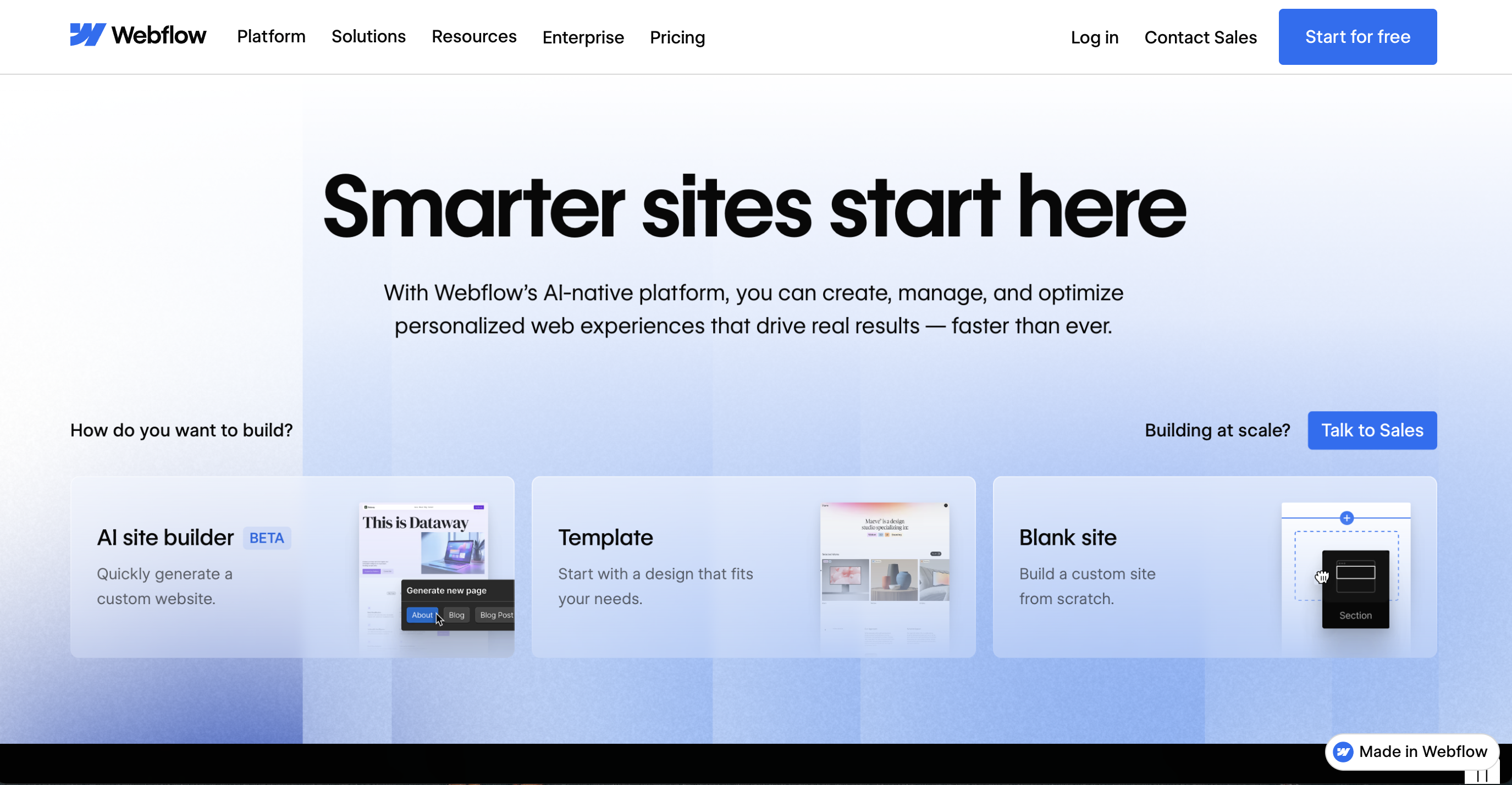
Webflow continues to set the standard for professional web design without coding. The platform bridges the gap between drag-and-drop simplicity and developer-level control, letting you create custom layouts that would normally require hiring a web designer. Site plans start at $14 per month for basic sites when billed annually, and CMS plans begin at $23 per month for content-driven websites.
Its visual editor feels intuitive once you understand the basics, though it does require more initial learning than competitors like Squarespace. I appreciate how Webflow handles responsive design since you can customize how your site appears on different screens independently. The CMS functionality supports up to 2,000 items on the standard plan, making it ideal for blogs, portfolios, and small catalogs.
For e-commerce, Webflow's Standard plan costs $29 per month and supports up to 500 products with a 2% transaction fee. The Plus plan at $74 per month removes transaction fees and increases the product limit to 5,000. These prices jump significantly at renewal, but the platform's flexibility often justifies the investment for businesses that need custom design capabilities.
One limitation worth noting: Webflow requires separate workspace plans if you're collaborating with a team. The Core workspace plan costs $19 per month per seat, while the Growth plan runs $49 per month per seat. This adds up quickly for agencies or businesses with multiple team members, but solo entrepreneurs or very small teams can manage with the free workspace.
Webflow features: Visual design editor | Custom animations | CMS functionality | E-commerce capabilities | SEO controls | Form builders | Advanced hosting
- No-code visual design
- Production-ready code quality
- Powerful CMS capabilities
- Steeper learning curve
- Higher renewal pricing
- Complex pricing structure
Webflow
Best website builder for small businesses overall
Webflow continues to set the standard for professional web design without coding. The platform bridges the gap between drag-and-drop simplicity and developer-level control, letting you create custom layouts that would normally require hiring a web designer. Site plans start at $14 per month for basic sites when billed annually, and CMS plans begin at $23 per month for content-driven websites.
Its visual editor feels intuitive once you understand the basics, though it does require more initial learning than competitors like Squarespace. I appreciate how Webflow handles responsive design since you can customize how your site appears on different screens independently. The CMS functionality supports up to 2,000 items on the standard plan, making it ideal for blogs, portfolios, and small catalogs.
For e-commerce, Webflow's Standard plan costs $29 per month and supports up to 500 products with a 2% transaction fee. The Plus plan at $74 per month removes transaction fees and increases the product limit to 5,000. These prices jump significantly at renewal, but the platform's flexibility often justifies the investment for businesses that need custom design capabilities.
One limitation worth noting: Webflow requires separate workspace plans if you're collaborating with a team. The Core workspace plan costs $19 per month per seat, while the Growth plan runs $49 per month per seat. This adds up quickly for agencies or businesses with multiple team members, but solo entrepreneurs or very small teams can manage with the free workspace.
Webflow features: Visual design editor | Custom animations | CMS functionality | E-commerce capabilities | SEO controls | Form builders | Advanced hosting
Squarespace makes it remarkably easy to launch a professional-looking website. It's my suggestion to people who value aesthetics over technical flexibility. Each template is handcrafted and beautiful, with the drag-and-drop editor letting you customize layouts without touching code. Pricing starts at $16 per month for the Basic plan when billed annually, though you'll face some significant limitations.
The Core plan at $23 per month offers better value for most small businesses, eliminating transaction fees for online sales and including unlimited contributors. I tested the e-commerce functionality and found it straightforward to set up product pages, manage inventory, and process payments through Squarespace's integrated checkout. The platform handles up to unlimited products on all paid plans, which puts it ahead of Hostinger's 1,000-product limit.
Squarespace raised prices in February 2025, so the renewal rates can catch you off guard if you're not paying attention. The Basic plan jumps from $16 per month to potentially $25 per month on monthly billing. The Plus plan ($36 per month) and Advanced plan ($65 per month) deliver lower transaction fees and expanded features for growing stores, but most small businesses find the Core plan sufficient initially.
The platform's main weakness is customization flexibility -- you can't add custom JavaScript on the Basic plan, and switching templates after launch can be complicated. If your brand requires unique design elements beyond what templates offer, Webflow provides more control. But if you're prioritizing speed and simplicity over extensive customization, Squarespace delivers excellent results.
Squarespace features: Premium templates | Built-in SEO tools | E-commerce functionality | Email campaigns | Scheduling tools | Mobile optimization | Analytics
- Stunning template designs
- Integrated e-commerce features
- Simple drag-and-drop interface
- Limited template switching
- Higher renewal costs
- Restricted customization on Basic
Squarespace
Best for beautiful templates with minimal effort
Squarespace makes it remarkably easy to launch a professional-looking website. It's my suggestion to people who value aesthetics over technical flexibility. Each template is handcrafted and beautiful, with the drag-and-drop editor letting you customize layouts without touching code. Pricing starts at $16 per month for the Basic plan when billed annually, though you'll face some significant limitations.
The Core plan at $23 per month offers better value for most small businesses, eliminating transaction fees for online sales and including unlimited contributors. I tested the e-commerce functionality and found it straightforward to set up product pages, manage inventory, and process payments through Squarespace's integrated checkout. The platform handles up to unlimited products on all paid plans, which puts it ahead of Hostinger's 1,000-product limit.
Squarespace raised prices in February 2025, so the renewal rates can catch you off guard if you're not paying attention. The Basic plan jumps from $16 per month to potentially $25 per month on monthly billing. The Plus plan ($36 per month) and Advanced plan ($65 per month) deliver lower transaction fees and expanded features for growing stores, but most small businesses find the Core plan sufficient initially.
The platform's main weakness is customization flexibility -- you can't add custom JavaScript on the Basic plan, and switching templates after launch can be complicated. If your brand requires unique design elements beyond what templates offer, Webflow provides more control. But if you're prioritizing speed and simplicity over extensive customization, Squarespace delivers excellent results.
Squarespace features: Premium templates | Built-in SEO tools | E-commerce functionality | Email campaigns | Scheduling tools | Mobile optimization | Analytics